
If you’re creating content alone, publishing something new every day isn’t sustainable — but you don’t actually need new ideas every day. You need to stop treating each piece of content as disposable. One solid blog post, video, or podcast episode already contains the raw material for a dozen smaller posts across every platform you use.
This guide walks through a practical system for repurposing one piece of “pillar” content into 10 or more derivative pieces, plus the specific tools that make it possible to do solo without hiring an editor or VA.

Quick Answer
Pick one long-form piece as your pillar (a blog post, video, or podcast episode), then extract its sub-topics, quotes, stats, and steps into smaller formats: short video clips, carousel slides, quote graphics, a Twitter/X thread, an email, a LinkedIn post, and an infographic. AI transcription and clipping tools (Descript, Opus Clip, Repurpose.io) do most of the reformatting work automatically, so one piece of pillar content can realistically become 10+ posts in a single afternoon.
Build the Repurposing Workflow
Start with a pillar piece that already has some depth — a 1,500-word article, a 10-minute video, or a 30-minute podcast episode. Short, shallow content doesn’t have enough material to split apart; you want something with multiple sub-points, a few quotable lines, and ideally some kind of list or step-by-step structure.
Transcribe it first if it’s audio or video. Tools like Descript automatically transcribe the recording and remove filler words, giving you a clean text version to work from — this single transcript becomes the source material for almost every other format.
From that transcript or article, pull out: 3-5 standalone sub-points (each becomes its own short post), 2-3 quotable or surprising lines (quote graphics), one list or process (a carousel or thread), and the single best insight (a short video hook).
Reformat each piece for its platform instead of copy-pasting the same text everywhere. A LinkedIn post, an Instagram caption, and an email need different lengths, tone, and framing even when they’re making the same point.
The 10-Piece Breakdown
From one pillar piece, a realistic 10-piece spread looks like: 1) the original long-form post or video, 2) a condensed email newsletter version, 3-4) two or three short vertical video clips pulled from the longer video or recorded separately, 5) a LinkedIn or X text post built around the single best insight, 6) a carousel of 5-8 slides breaking down the steps or list, 7) one or two quote graphics for Instagram or Pinterest, 8) a thread version for X or Threads, 9) an FAQ-style post answering the most common question the topic raises, and 10) a short audio or video summary for YouTube Shorts/TikTok.
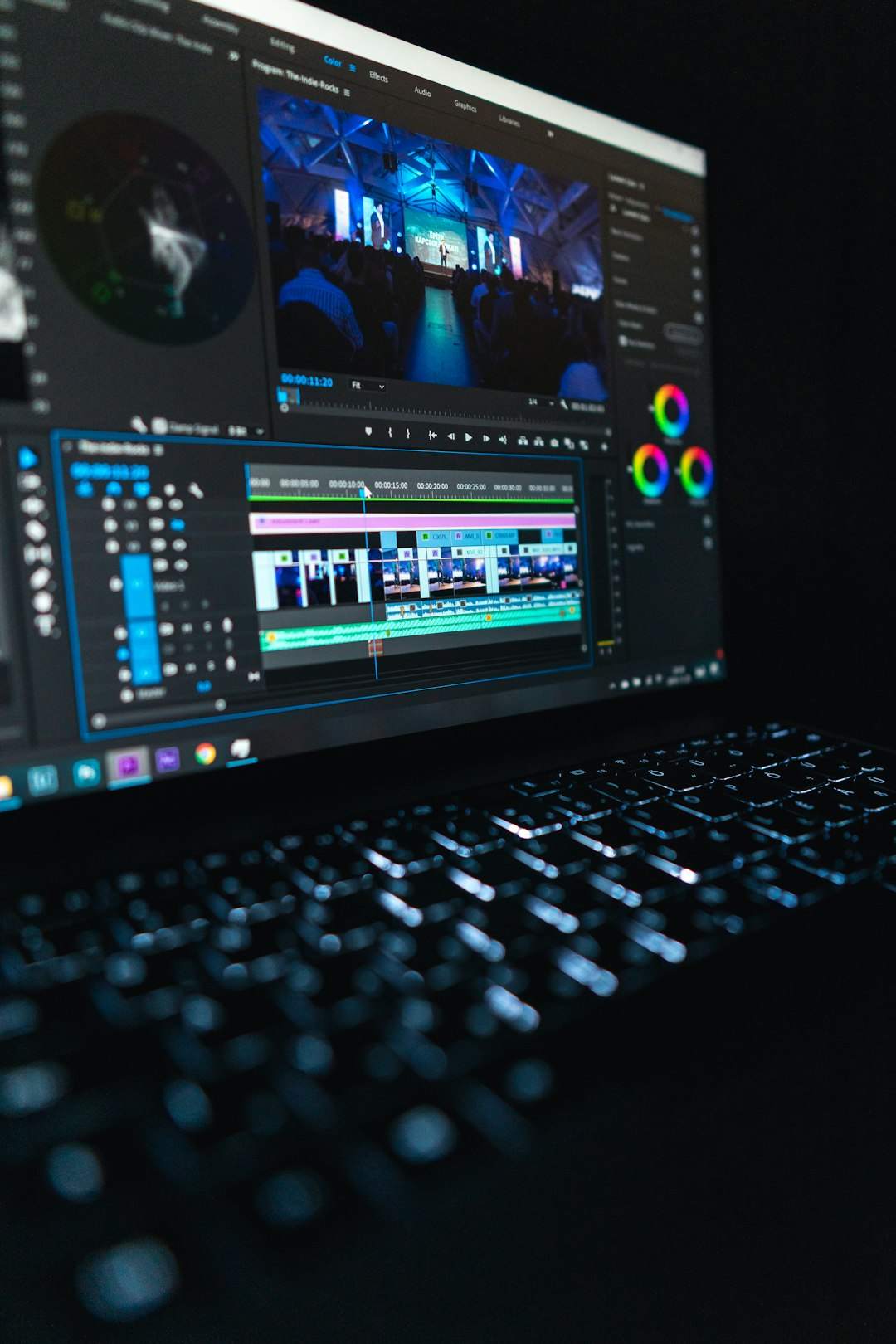
For video-heavy creators, AI clipping tools cut this work dramatically. Opus Clip analyzes a long video and automatically finds the strongest moments to turn into short, platform-ready clips with captions and a virality score, so you’re choosing from AI-selected highlights instead of scrubbing through footage manually.
If you’re publishing across many platforms at once, Repurpose.io focuses on distribution: it takes one video and auto-crops and reformats it for each platform’s aspect ratio, then publishes it out automatically, which saves the manual export-and-upload cycle for every channel.
For visual repurposing — turning the same graphic into an Instagram post, a Pinterest pin, and a presentation slide — Canva’s Magic Switch resizes and reformats a single design into multiple formats and document types without rebuilding it from scratch.
Tips / Common Mistakes
Don’t repurpose content that’s thin to begin with — you’ll end up stretching one idea into 10 weak posts instead of 10 useful ones. Repurposing works because the pillar piece had enough substance to split apart.
Avoid posting identical text across every platform. Audiences on LinkedIn, Instagram, and email expect different formats; reusing the exact same caption everywhere reads as lazy and performs worse than a version tailored to the platform.
Batch the repurposing step right after you publish the pillar piece, while the topic and research are fresh, rather than trying to mine old content weeks later.
Keep a simple running list of your pillar topics and which formats you’ve already made from each one, so you can spot which pieces still have unused material (a quote you haven’t posted, a stat you haven’t turned into a graphic).
Explore more: more growth strategies for small businesses.
Content repurposing FAQs
What’s the best type of content to repurpose first?
Start with whatever already performed well or took the most effort to create — a well-researched blog post, a webinar, or a podcast episode. These have the most sub-points and quotable material to work with.
Do I need video editing skills to repurpose video content?
No. AI clipping tools like Opus Clip identify and cut the best moments automatically, add captions, and export in vertical format, so you’re reviewing and approving clips rather than editing from scratch.
How much time does repurposing one piece into 10 actually take?
With a transcript and AI tools doing the clipping and resizing, a solo creator can typically produce a full set of derivative posts from one pillar piece in a few hours rather than days.
Should I repurpose content immediately or wait?
Repurpose most of the derivative content soon after publishing while the topic is current, but you can also resurface strong pillar content later by pulling a fresh angle or quote from it months down the line.
Turn Customers Into Your Growth Engine
Launch a referral program that turns happy customers into your best growth channel — with ReferralEarl. Try ReferralEarl.
Want this in your inbox? Subscribe to the free newsletter.
Photo by Matthew Kwong on Unsplash.