If your local business isn’t posting YouTube Shorts yet, you’re leaving free visibility on the table. Shorts show up in their own feed, in regular search results, and even in Google search — all without you spending a dime on ads.
This guide walks through exactly what Shorts work for local businesses, how to set them up to get found by nearby customers, and the mistakes that quietly kill results.
Quick Answer
Post short, vertical videos (up to 3 minutes, though 15-60 seconds performs best) that show your work, your team, or answer a common customer question. Put your city or neighborhood in the title and description, re-export a short clip as its own video file and upload it directly to your Google Business Profile (you can’t link or add the Short itself), and post consistently — once a week beats one viral attempt.
Setting Up Shorts That Actually Get Found Locally
Shoot vertical (9:16) video using your phone — YouTube Shorts doesn’t need professional equipment, and polished-looking ads often underperform casual, authentic clips. YouTube classifies any vertical video of 3 minutes or less as a Short automatically, so you don’t need to flag it manually, though adding #Shorts to the title or description is still a common practice some creators use as a backup signal.
Write titles and descriptions the way a local customer would search: instead of ‘Quick Tip,’ use something like ‘How Much Does a Water Heater Repair Cost in [Your City]?’ Searches like ‘best electrician in Austin’ or ‘Chicago bakery for custom cakes’ can surface both in YouTube search and regular Google results, so naming your service area isn’t optional if local discovery is the goal.
A published Short can’t be added to your Google Business Profile — there’s no option to paste a YouTube link or embed one. Google Business Profile only accepts a direct video-file upload, and it caps that upload at 30 seconds, under 75MB, at 720p resolution or higher. So take the same footage you used for your Short, trim or re-export it to fit those limits, and upload the file itself in the Photos section of your profile. That puts a video in front of people who find you on Google Maps and local search, even if they never come across the Short on YouTube itself.
Because Shorts don’t support the clickable end screens and cards that long-form videos use, put your call to action in three places that all say the same thing: spoken or on-screen in the video, in the first line of the description, and pinned as the top comment. That might be ‘Call us at [number]’ or ‘Link in description to book.’
What to Actually Film
The formats that consistently work for local businesses: before-and-after transformations (cleaning, landscaping, renovations, haircuts), quick answers to the questions customers ask most (‘How long does a brake job take?’), behind-the-scenes clips of your team or process, and short customer testimonials filmed on the spot.
Local and community content also performs well — a shoutout to a nearby business, a clip from a local event you sponsored, or a quick tour of your neighborhood. It signals to both viewers and YouTube’s algorithm that you’re a real, local presence, not a generic ad account.
Keep the structure simple: hook in the first 2-3 seconds (show the result or ask the question up front), deliver the point fast, end with the CTA. Most of your audience decides whether to keep watching almost immediately, so don’t open with a logo or slow intro.
Tips / Common Mistakes
Consistency beats frequency. One well-made Short a week, posted on a regular schedule, outperforms a burst of ten videos followed by months of silence — YouTube rewards channels that keep showing up.
Don’t chase view counts as the main metric. For a local business, a Short with 300 views from people in your city who call or visit is worth more than 50,000 views from an audience that will never buy from you. Track calls, bookings, website clicks, or profile visits instead.
Avoid burying your location. If your city, neighborhood, or service area isn’t in the title, description, or spoken in the video, you’re making it harder for local search to connect you to nearby searchers.
Don’t treat Shorts as a dumping ground for repurposed ads. Viewers can tell the difference between a Short made for the feed and a 30-second commercial awkwardly cropped to vertical — the native, slightly rough style tends to perform better.
Re-upload your best-performing Shorts’ ideas with new angles instead of only chasing new topics. If a ‘before and after’ style Short does well, do more of that format with different jobs or customers.
Explore more: More marketing strategies for small businesses.
YouTube Shorts for local business FAQs
How long should a YouTube Short be for a local business?
YouTube allows Shorts up to 3 minutes, but for local business content, 15-60 seconds is the sweet spot for tutorials and quick tips, while short testimonials or stories can run 60-120 seconds.
Do I need the #Shorts hashtag for my video to count as a Short?
No. YouTube automatically classifies any vertical video of 3 minutes or less as a Short based on its format, not a hashtag. Some creators still add #Shorts as an extra signal, but it isn’t required.
Can I add my YouTube Short to my Google Business Profile?
Not directly — Google Business Profile doesn’t let you paste a YouTube link or embed a Short. It only accepts a separate video-file upload, capped at 30 seconds and under 75MB at 720p or higher, so you’ll need to trim or re-export the clip and upload that file in the Photos section of your profile.
How often should a local business post Shorts?
Pick a frequency you can sustain — even once a week — and stick to it. A steady, modest posting schedule builds more momentum over time than occasional bursts of videos.
Turn Customers Into Your Growth Engine
Launch a referral program that turns happy customers into your best growth channel — with ReferralEarl. Try ReferralEarl.
Want this in your inbox? Subscribe to the free newsletter.
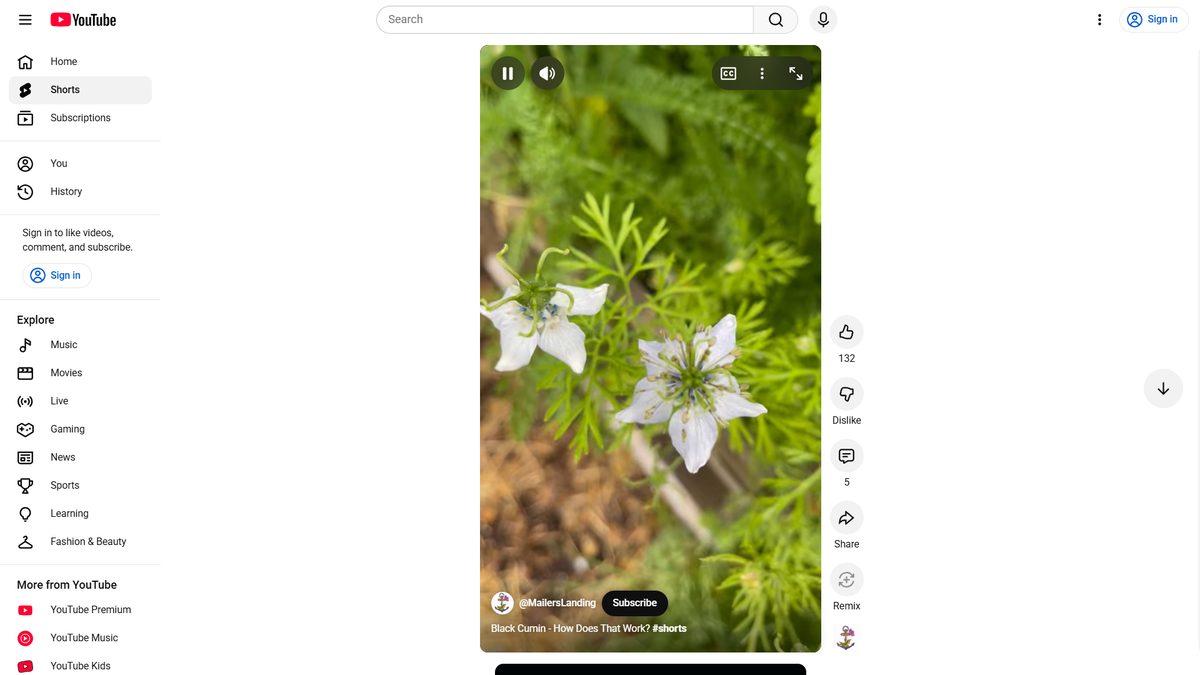
Photo: Mailer’s Landing (@MailersLanding) / Public domain, via Wikimedia Commons.