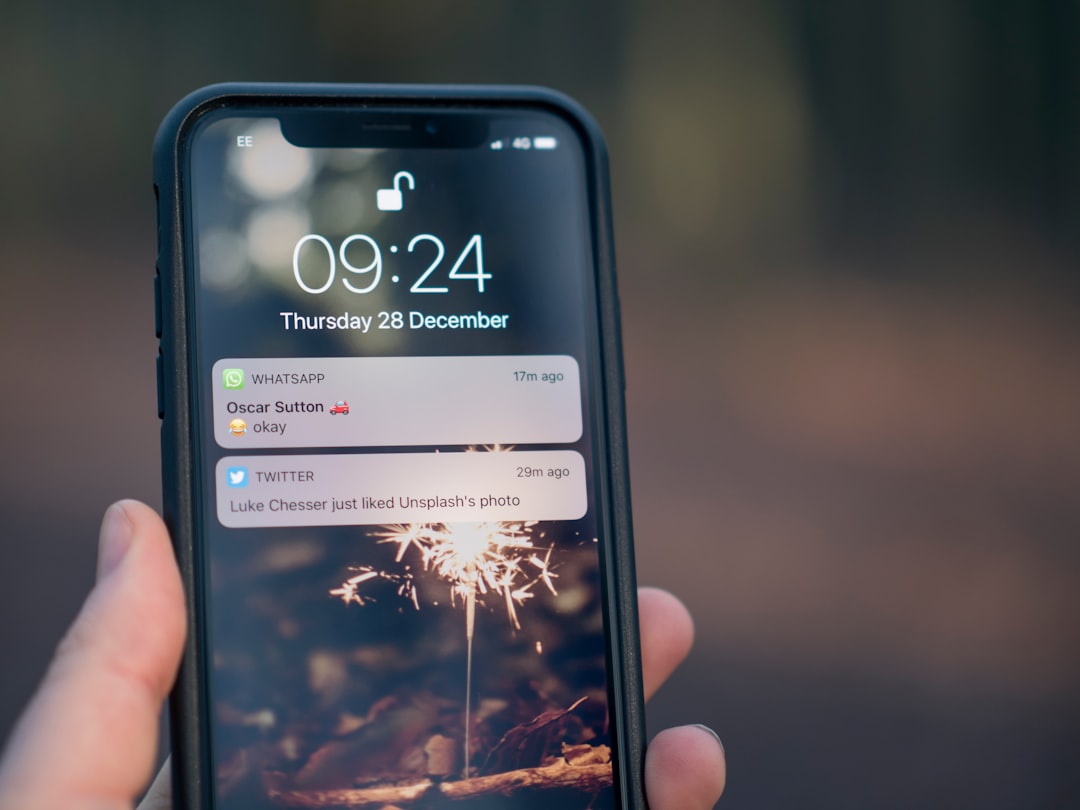
A lapsed customer isn’t gone — they’re just distracted. Push notifications are one of the fastest ways to put your store back in front of someone who already knows and trusted you enough to buy once, without needing their inbox or a phone number.
This guide walks through how to set up a win-back push notification flow: who to target, what to say, when to send it, and the mistakes that turn a re-engagement message into an unsubscribe.
Quick Answer
Identify shoppers who haven’t purchased or visited in a defined window (commonly 30, 60, and 90 days), segment them by what they last browsed or bought, and send a short, personalized push notification — ideally paired with a small incentive or a relevant update — through a web push tool like OneSignal or PushEngage. Time it to when that segment is normally active, and stop sending once they convert or consistently ignore the messages.
Set Up a Win-Back Push Flow Step by Step
Start by defining “lapsed.” Pull your purchase or site-activity data and set tiers — for example, no purchase in 30 days, 60 days, and 90+ days. Each tier should get a different message, since a 30-day lapse is a nudge and a 90-day lapse needs a stronger reason to come back.
Segment beyond just recency. If your push platform supports it, group lapsed subscribers by the category or product they last viewed or bought, and by whether they’re a repeat customer or a one-time buyer. A message referencing something specific (“still thinking about the jacket you viewed?”) consistently outperforms a generic “we miss you” blast.
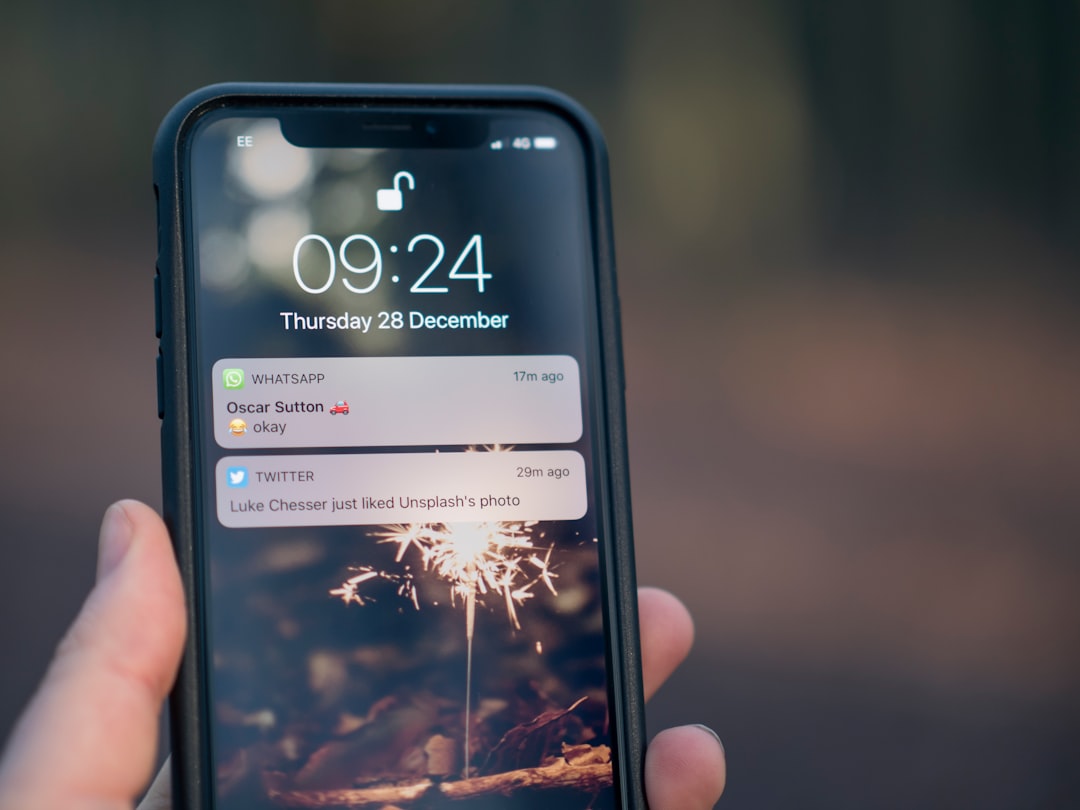
Write the notification itself in two parts: a short title (this is what shows on the lock screen or browser corner, so make it specific) and a one-line body that gives a reason to click — new arrivals in a category they liked, a restock, or a small time-limited offer. Keep it under roughly 50-90 characters for the title so it doesn’t get cut off on mobile.
Set send timing around when that segment was historically active on your site rather than a fixed company-wide send time — most push platforms let you schedule by recipient time zone or by a per-user “best time to send” model. Avoid sending to the same lapsed segment more than once every few days; repeated pushes to inactive users increase opt-outs.
Add a stopping rule: once someone converts, clicks through and buys, or ignores a set number of consecutive win-back pushes, move them out of the flow. Continuing to push unsubscribed-in-spirit users just erodes your permission to notify them about anything else.
Choosing a Tool and What to Send
Most stores don’t need to build this from scratch. Platforms like OneSignal, PushEngage, and similar web/app push tools offer prebuilt “win-back” or “abandoned browse” automation, subscriber segmentation, and free or low-cost entry tiers before you need advanced features, so it’s worth trialing one rather than building notification infrastructure yourself.
Good win-back content generally falls into a few buckets: a value reminder (new arrivals, restocks, or content in a category the person already cares about), a low-friction incentive (free shipping or a modest discount, used sparingly so it doesn’t train people to wait for discounts), or a simple check-in with no offer at all, which can work well for the first message in a sequence before you escalate to a discount.
Pair push with other channels rather than relying on it alone. A common pattern is an email first, a push notification a few days later if there’s no response, and SMS reserved for the highest-value lapsed customers — this respects the channel each customer actually engages with instead of hammering all of them the same way.
Tips and Common Mistakes
Get consent the right way: use a clear, specific opt-in prompt (“Get notified about restocks and sales”) rather than a generic browser permission popup on page load — vague or premature prompts get denied and you lose the channel for good.
Don’t over-segment into oblivion — three or four lapsed tiers with distinct messaging is usually enough; more than that adds maintenance overhead without a proportional lift.
Avoid discount-only messaging. If every win-back push is a coupon, customers learn to wait for pushes instead of buying at full price, which erodes margin over time.
Test send times and frequency on a subset of your list before rolling a new win-back sequence out to everyone, since the right cadence varies a lot by audience and product type.
Watch opt-out and unsubscribe rates per segment, not just click-through rate — a campaign that drives short-term clicks but spikes unsubscribes is trading long-term reach for a one-time bump.
Explore more: more customer loyalty strategies.
Push notifications for lapsed customers FAQs
How long should someone be inactive before I count them as a lapsed customer?
It depends on your typical purchase cycle. Many stores use 30 days as an early warning tier and 60-90+ days as fully lapsed, but a business with infrequent big-ticket purchases (like furniture) should use longer windows than one selling everyday consumables.
Do push notifications work as well as email for win-back campaigns?
They serve different purposes rather than competing directly. Push tends to get noticed faster because it’s harder to ignore than an inbox, but it also has less room for detail, so many stores use push as a quick nudge and email for the fuller story, offer terms, or product showcase.
Do I need a mobile app to send push notifications to lapsed customers?
No — web push notifications work through the browser once a visitor opts in on your site, so you can run a win-back flow without a native app. App push is an additional channel if you have a mobile app, not a requirement to get started.
Turn Customers Into Your Growth Engine
Launch a referral program that turns happy customers into your best growth channel — with ReferralEarl. Try ReferralEarl.
Want this in your inbox? Subscribe to the free newsletter.
Photo by Jamie Street on Unsplash.