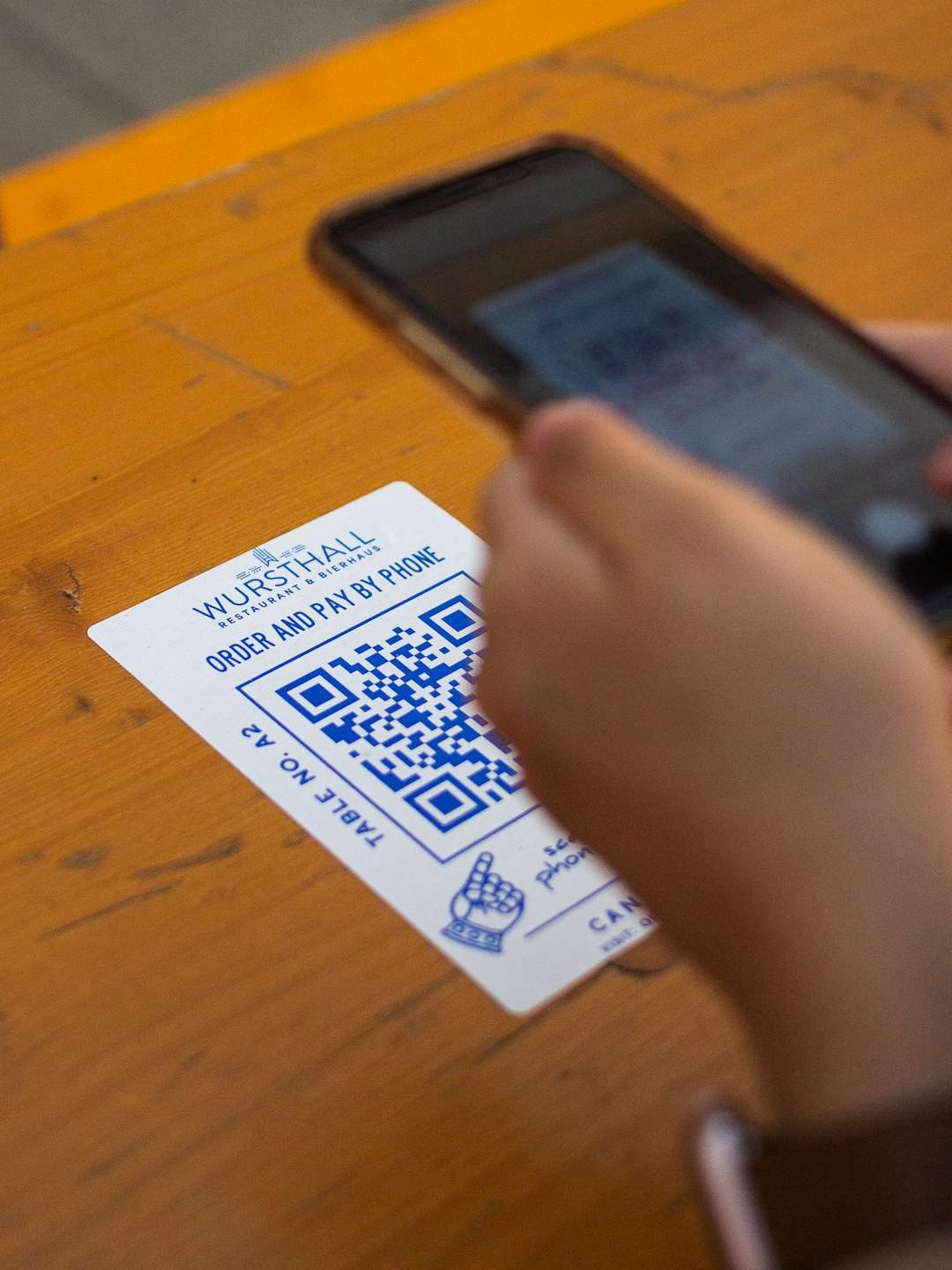
If you’ve ever scanned a code at a coffee shop and watched a punch card appear on your phone, you’ve used a QR code loyalty program. They’ve quietly replaced the paper punch card for a lot of small businesses because they’re cheap to run, easy for customers to join, and don’t require anyone to download an app.
This guide walks through exactly how these programs work under the hood, what you need to set one up, and the mistakes that cause businesses to abandon them within a few months.
Quick Answer
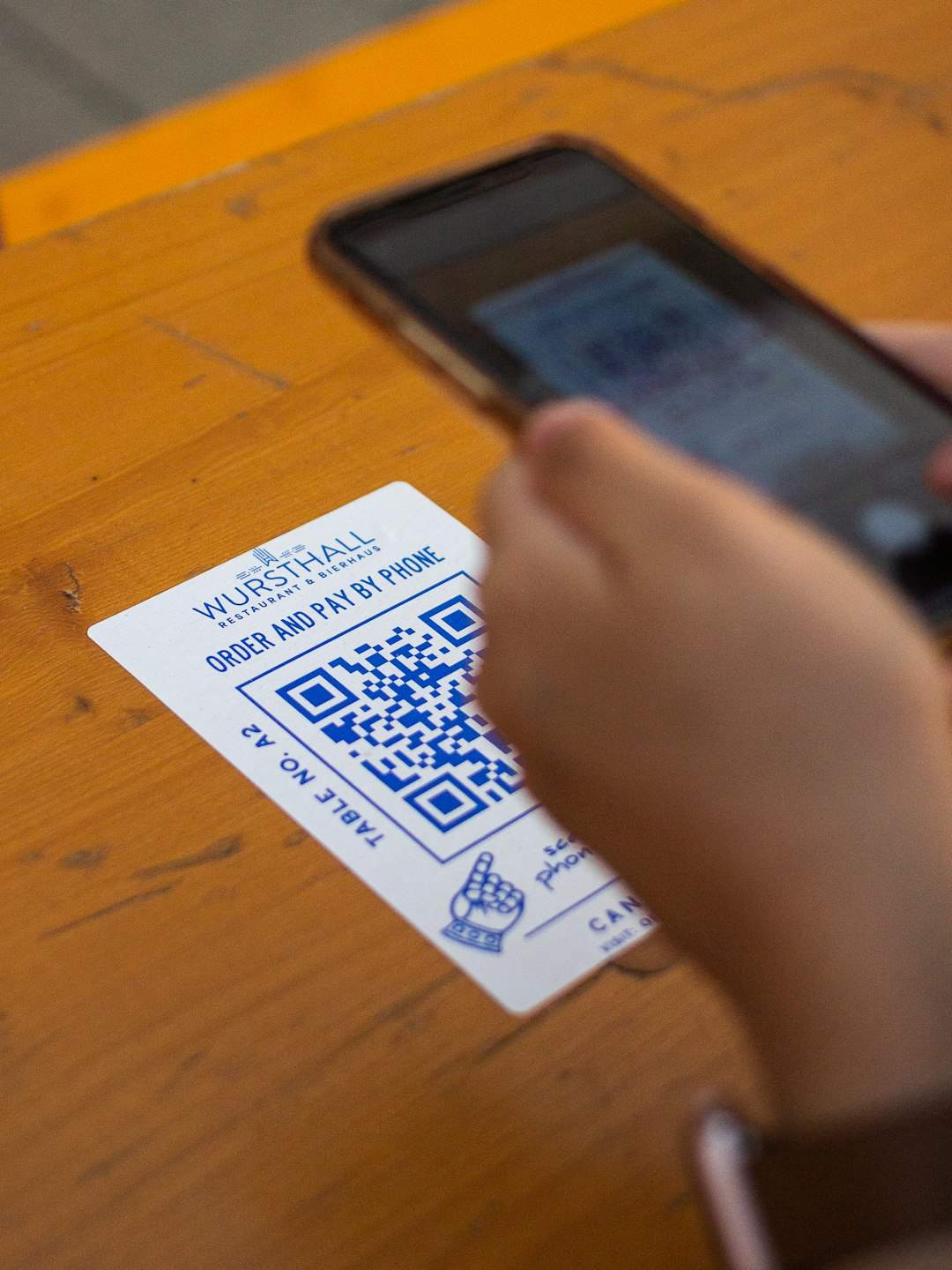
A QR code loyalty program lets customers join and earn rewards by scanning a code with their phone camera — no app install required. The code links to a sign-up page or adds a digital card directly to Apple Wallet or Google Wallet, and each future visit is tracked by scanning either the same code again or a personal one the customer received at sign-up.
How QR Code Loyalty Programs Actually Work
There are two codes involved, and mixing them up is where most confusion starts. The first is your business’s enrollment code — the one posted at the register, on a table tent, or printed on a receipt. A customer scans it once to join.
After joining, the customer gets their own personal QR code, usually delivered as a digital wallet pass (Apple Wallet or Google Wallet) or a saved link. That personal code is what gets scanned on every return visit to log a purchase, add a stamp, or add points. This is the part that makes the system work: the business’s code is static and reusable by everyone, but the customer’s code is unique and tied to their account.
On the back end, most platforms use what’s called a dynamic QR code for the enrollment step — meaning the business can change what it points to (a new promo, a new sign-up form) without reprinting anything, and can see scan counts and timing. A plain static code, by contrast, is locked to one destination forever once it’s printed.
Wallet-based passes add one more layer: because they live in Apple Wallet or Google Wallet, they can update automatically. A customer’s point total or stamp count refreshes on the card itself after each visit, and some setups can push a lock-screen notification when a reward is ready — without the business sending a text or email.
Setting One Up: Step by Step
1. Pick your reward structure first, before touching any software. The two simplest models are a punch card (buy X, get one free) and a points system (spend $1, earn 1 point, redeem at a threshold). Punch cards are easier for customers to understand; points are more flexible if your price points vary a lot.
2. Choose a platform. Most QR loyalty tools fall into the same category as digital punch-card and wallet-pass apps — look for one that supports Apple Wallet and Google Wallet passes, lets customers join without installing an app, and gives you a dashboard to see sign-ups and redemptions. Many offer a free tier or trial that’s enough to run a single-location program before you pay anything.
3. Build the card in the platform: business name, logo, reward rule, and how many stamps/points are needed. This step is usually quick since it’s mostly filling in a form.
4. Generate and print your enrollment QR code. Put it somewhere a customer naturally looks during or right after paying — the counter, the receipt, a small table card. Avoid burying it on a wall or door where it competes with other signage.
5. Train staff on the one thing that matters: ask every customer at checkout if they want to join, and know how to scan a returning customer’s wallet pass to add a stamp or point. A loyalty program only works if front-line staff actually mention it.
6. Test the whole flow yourself on your own phone before launch — scan the enrollment code, complete sign-up, confirm the pass lands correctly in your wallet app, and confirm a staff member can scan it back and log a visit.
Tips and Common Mistakes
Don’t require an app download. The entire appeal of a QR loyalty program is zero friction — if customers have to download something before they can earn a reward, you’ve erased that advantage and sign-ups will drop off at that step.
Keep the reward threshold realistic for your visit frequency. A reward that takes 20 visits to earn feels unreachable for a business customers visit twice a month; a reward in the 5-10 visit range keeps it motivating.
Place the code where people are already looking. A code taped to a window gets far fewer scans than one printed directly on the receipt or sitting on the counter next to the card reader.
Don’t let the code go stale. If you switch loyalty platforms or change the sign-up page, a static printed code can break. This is why a dynamic code you can redirect is worth using for anything printed in bulk or laminated for reuse.
Remind people the program exists. The biggest reason loyalty programs underperform isn’t bad design — it’s that staff stop mentioning it after the first few weeks. A quick verbal reminder at checkout matters more than any feature of the software.
Explore more: more customer loyalty strategies.
QR code loyalty programs FAQs
Do customers need to download an app to join a QR code loyalty program?
No — that’s the main advantage over older loyalty apps. Scanning the code opens a web sign-up page or adds a pass directly to the phone’s built-in Apple Wallet or Google Wallet, with no separate app required.
What’s the difference between a static and dynamic QR code for loyalty programs?
A static QR code is locked to one destination permanently once printed — if anything changes, you have to reprint it. A dynamic QR code can be edited after the fact and lets you see scan activity, which is why most loyalty platforms use dynamic codes for the enrollment step.
How do I track visits if customers don’t have their own code yet?
Most platforms let staff look up a customer by phone number or email as a backup, but the standard flow issues each customer a personal QR code or wallet pass at sign-up specifically so lookups aren’t needed on return visits.
Can a QR code loyalty program work for a business with no physical register, like a food truck?
Yes — since the code only needs to be printed or displayed somewhere visible, it works anywhere a customer can hold up a phone, including food trucks, pop-ups, and mobile service businesses.
Turn Customers Into Your Growth Engine
Launch a referral program that turns happy customers into your best growth channel — with ReferralEarl. Try ReferralEarl.
Want this in your inbox? Subscribe to the free newsletter.
Photo by Albert Hu on Unsplash.