
If you’ve ever shared a “give $10, get $10” link or typed a friend’s discount code at checkout, you’ve used referral tracking without thinking about it. For the business on the other end, though, that simple click has to survive a whole chain of events — the visit, the browsing, the eventual purchase days later — and still get traced back to the right person.
This guide breaks down what referral tracking actually is, the main methods businesses use to capture it, and how credit gets assigned when things get messy (multiple visits, ad blockers, someone forgetting to use the link at all).

Quick Answer
Referral tracking is the process of identifying which customer or partner sent a new visitor or buyer to a business, so that person can be credited — usually with a reward, commission, or discount. It typically works through a unique referral link or code assigned to each referrer, combined with cookies or account-matching to connect that click to a later sale.
The Main Ways Businesses Track a Referral
Unique referral links are the most common method. Every existing customer or affiliate gets their own URL (often just the site’s normal address with a short code tacked on, like yoursite.com/r/anna23). When someone clicks it, the business’s software logs the code and stores it — usually in a browser cookie or against the new visitor’s session — so it can be matched up if that person buys something later, even if the purchase doesn’t happen on the same visit.
Referral codes work the same way but are typed in manually instead of clicked, which matters for offline or word-of-mouth sharing — a code mentioned in conversation, printed on a receipt, or read aloud on a podcast. The tradeoff is that manual entry always loses some referrals to people who forget or don’t bother.
Cookies are the technical glue that lets a business remember “this visitor came from referrer X” between the click and the eventual purchase. A cookie set when the link is clicked typically stores the referrer’s ID and an expiration window (commonly anywhere from a few days to 90 days, depending on the program). The catch: Safari and Firefox block third-party cookies by default, and privacy-conscious users on any browser may clear cookies or use blockers. Most referral programs sidestep this by using first-party cookies (set by the merchant’s own domain) or by tying the referral to a logged-in account instead, which is far more reliable.
Account-based or email matching is what many SaaS and app referral programs rely on today. Instead of (or alongside) a cookie, the system ties the referral to the new user’s email or account ID once they sign up — for example, a referred user enters the referrer’s code during signup, or the business matches the new account’s invite token back to the person who sent the invite. This survives cookie clearing and cross-device browsing, which pure link-click tracking doesn’t.
UTM parameters (utm_source, utm_medium, utm_campaign, etc.) are added to a link mainly for analytics — so tools like Google Analytics can report where traffic came from. They’re useful for seeing that “referral traffic” is up in aggregate, but on their own they don’t reliably identify one specific referrer’s individual reward-worthy conversions the way a unique code or ID does. Serious referral programs use dedicated tracking codes for crediting, and UTMs as a supplementary reporting layer.
How Businesses Decide Who Gets the Credit
Once a referral is tracked, the business still has to apply rules for crediting it, because real customer journeys are rarely clean. Most programs use “last-touch” attribution within the tracking window — whichever referral link or code was active closest to the signup or purchase gets the credit, even if the person saw other links earlier. Some programs use “first-touch” instead, crediting whoever made the very first introduction.
The conversion window (also called the cookie duration or attribution window) sets how long after the click a purchase still counts. A short window (say, 24-48 hours) favors immediate impulse buys; a longer one (30-90 days) suits considered purchases like software subscriptions or big-ticket items where a customer might click today and buy weeks later.
Businesses also build in safeguards: blocking self-referrals (someone using their own link to get a discount), requiring the referred person to be a genuinely new customer, and sometimes holding the reward until the sale is finalized and the return window has passed, to avoid paying out on orders that get refunded or reversed.
Tips and Common Mistakes
Don’t rely on cookies alone. Pairing a unique referral link with account or email matching at signup catches referrals that cookie blocking would otherwise lose entirely.
Make the tracking window match the buying cycle. A 7-day cookie is fine for a $20 impulse purchase; it’s far too short for a service someone researches for a month before signing up.
Test the full loop yourself before launching. Click your own referral link in a private/incognito window, complete a test purchase or signup, and confirm the referrer actually gets credited — broken tracking is the single most common reason referral programs quietly underperform.
Keep the referral code or link visible after the click. If a customer has to hunt for their code again days later (say, they close the tab and come back), you lose referrals purely to friction, not disinterest.
Explore more: Referral Basics.
referral tracking FAQs
What’s the difference between referral tracking and affiliate tracking?
They use the same underlying mechanics (unique links, codes, cookies), but referral tracking is usually for existing customers referring people they know, often for a reward on both sides, while affiliate tracking is for partners or publishers driving traffic at scale, usually for a commission.
Do I need special software to track referrals?
For a handful of referrals you can track manually with unique discount codes and a spreadsheet. Once volume grows, dedicated referral software automates link generation, cookie/account matching, fraud checks, and payout tracking so nothing falls through the cracks.
Can a business track referrals without cookies?
Yes. Manually entered referral codes, account-based matching at signup, and server-side tracking tied to a logged-in user all work without relying on browser cookies, and are generally more resilient to privacy tools and cross-device use.
What happens if two people refer the same customer?
Most programs apply a set attribution rule — commonly crediting whichever referral was most recent (last-touch) within the tracking window, though some explicitly credit the first referrer instead. The rule should be defined upfront and stated in the program’s terms.
Turn Customers Into Your Growth Engine
Launch a referral program that turns happy customers into your best growth channel — with ReferralEarl. Try ReferralEarl.
Want this in your inbox? Subscribe to the free newsletter.
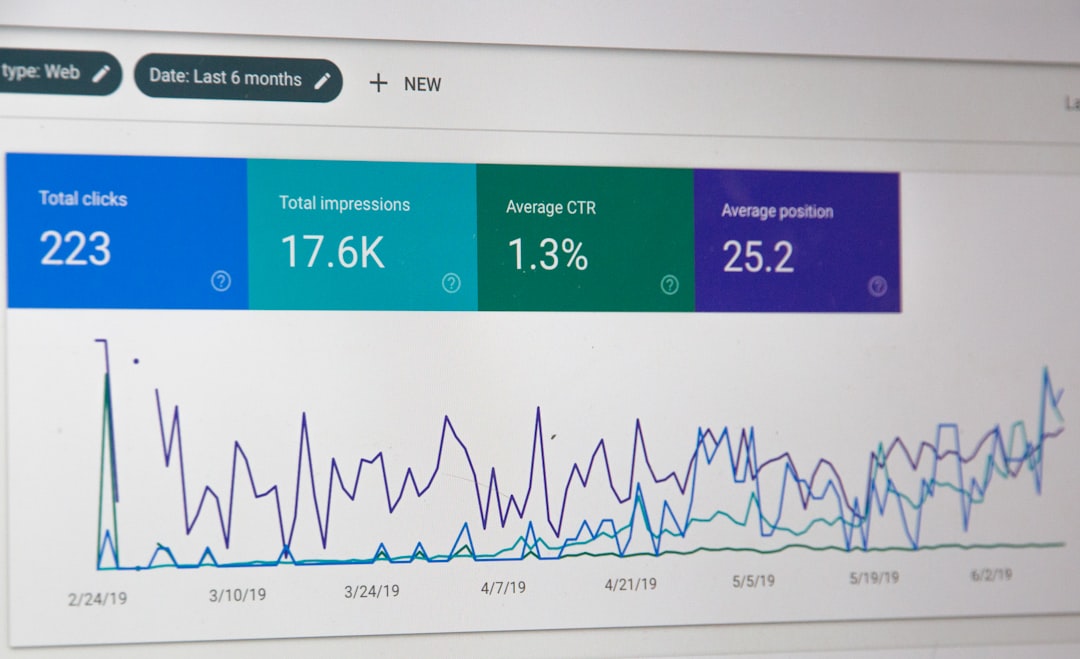
Photo by Luke Chesser on Unsplash.











1 thought on “What Is Referral Tracking? How Referrals Get Credited”
Comments are closed.