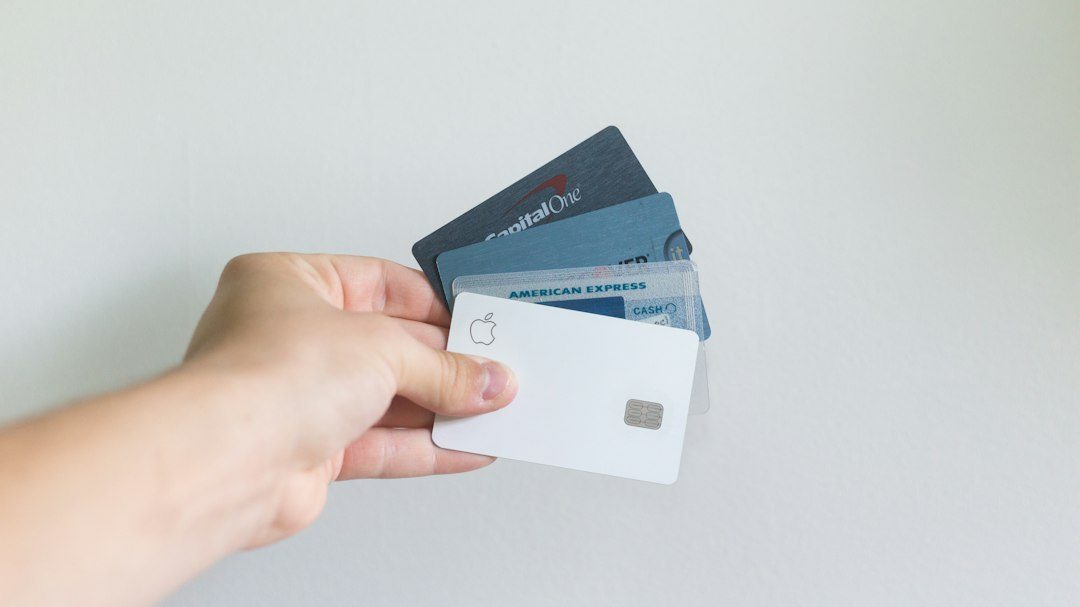
A declined card doesn’t mean a customer wants to cancel. Most of the time it’s an expired card, a bank flagging a routine charge, or a temporary low balance — and a well-timed, well-written email is often all it takes to fix it.
This guide gives you a practical dunning email sequence, ready-to-use templates for each stage, and the timing and tone choices that make the difference between a recovered subscriber and a lost one.

Quick Answer
A dunning email is an automated message sent when a recurring payment fails, asking the customer to update their card or billing details. The most effective sequences send a friendly first email within an hour of the failure, follow up two or three more times over the next week with rising urgency, and only mention cancellation in the final message.
The Dunning Email Sequence, Step by Step
Email 1 (within an hour of failure): Keep it short, calm, and non-salesy. Subject line: “We couldn’t process your payment for [Product].” Body: “Hi [Name], your recent payment of [amount] didn’t go through. This usually happens because of an expired card or a temporary hold from your bank. Click here to update your payment details and we’ll try again automatically.” No upsells, no guilt — just a clear fix.
Email 2 (around day 3): Slightly warmer reminder with a reason to act. Subject: “Quick reminder: update your card to keep [Product] running.” Body should note what they’ll lose access to if the issue isn’t fixed, and restate the one-click link to update billing info.
Email 3 (around day 5-6): Add specificity and a touch of urgency. Mention the exact date access will pause or the account will be downgraded. If you offer a grace period, say exactly how many days are left.
Email 4 (final notice, around day 7-8): This is the one email where it’s fine to say “cancellation” or “account suspension” directly. Make the deadline explicit and the update link prominent. Offer a reply-to address or chat link for anyone who needs help rather than just wants to leave.
Coordinate this sequence with your payment processor’s retry logic (for example, Stripe’s Smart Retries uses its own timing model to re-attempt soft declines like insufficient funds) so you’re not asking a customer to update a card the moment before a retry succeeds on its own.
Writing Emails That Get Opened and Acted On
Send from a real company email address, not a generic ‘billing@’ or a payment processor’s default sender — customers are far more likely to trust and open mail that looks like it’s from your brand, not a stranger.
Match the message to the failure reason when you can. An expired-card notice reads differently than an insufficient-funds notice, and matching the copy builds trust that you’re not just blasting a generic template.
Use one clear call-to-action per email. A single ‘Update Payment Method’ button outperforms an email cluttered with account summaries, upsell offers, or multiple links.
Time sends for the customer’s likely waking hours rather than firing instantly at 3 a.m. their time — a 2 p.m. email gets read; a middle-of-the-night one gets buried.
Where your payment provider supports it, enable automatic card-updating features (sometimes called Account Updater) that quietly refresh expired or reissued card numbers with the card networks before you ever need to email anyone — this recovers some failed payments with zero customer-facing friction.
Tips and Common Mistakes
Don’t front-load urgency. Opening with ‘Your account will be cancelled’ in email one feels aggressive and can push undecided customers to churn rather than fix the card.
Don’t stop at one email. A single dunning notice recovers far fewer payments than a short sequence of three or four spaced over a week to ten days.
Don’t ignore support. Make sure your support team knows dunning emails are going out so they recognize the context when a confused customer writes in asking why their card was charged or declined.
Don’t let retries and emails collide awkwardly — if an automatic retry is scheduled for tomorrow, don’t send an ‘update your card now’ email today that creates a double impression of urgency.
Don’t mark a subscription canceled the instant the final retry fails. Give a short grace period and a clear final-notice email before access is cut, since many failures resolve themselves once the customer notices.
Explore more: more customer loyalty strategies.
Dunning email templates FAQs
What is a dunning email?
A dunning email is an automated notification sent to a customer when a recurring subscription payment fails, prompting them to update their payment method so the charge can be retried.
How many dunning emails should I send?
Most effective sequences use three to four emails spaced over about a week to ten days: an immediate friendly notice, one or two reminders, and a final notice with a clear deadline.
Should dunning emails mention cancellation?
Only in the final email. Earlier emails should focus on the simple fix (update your card) rather than threatening loss of access, which can push hesitant customers toward actually canceling.
Do dunning emails work better alongside automatic retries?
Yes. Many failed payments are temporary (an expired card, a brief low balance), and payment processors can automatically retry the charge at a better time — your emails should be timed around those retries, not against them.
Turn Customers Into Your Growth Engine
Launch a referral program that turns happy customers into your best growth channel — with ReferralEarl. Try ReferralEarl.
Want this in your inbox? Subscribe to the free newsletter.
Photo by rupixen on Unsplash.