A referral QR code turns a link that’s awkward to say out loud or type into something a friend can scan in two seconds — on a flyer, a receipt, a business card, or a phone screen held up in person. That makes QR codes a natural fit for referral programs, especially ones that rely on in-person or offline moments, not just email and social shares.
This guide breaks down how referral QR codes actually work under the hood, the difference between static and dynamic codes, how scans turn into tracked referrals and rewards, and the setup mistakes that quietly kill conversion.
Quick Answer
A referral QR code is just a QR code that encodes a unique referral link instead of a generic URL. When someone scans it, their phone opens that link, which carries a referral ID to a landing page — crediting the right advocate and letting the program track and reward the referral automatically.
How a Referral QR Code Actually Works
Every advocate in a referral program already gets a unique referral link or code — that’s how the program knows who to credit when a friend signs up or buys. A referral QR code just wraps that same unique link in a scannable image instead of (or alongside) text the advocate would normally copy and paste.
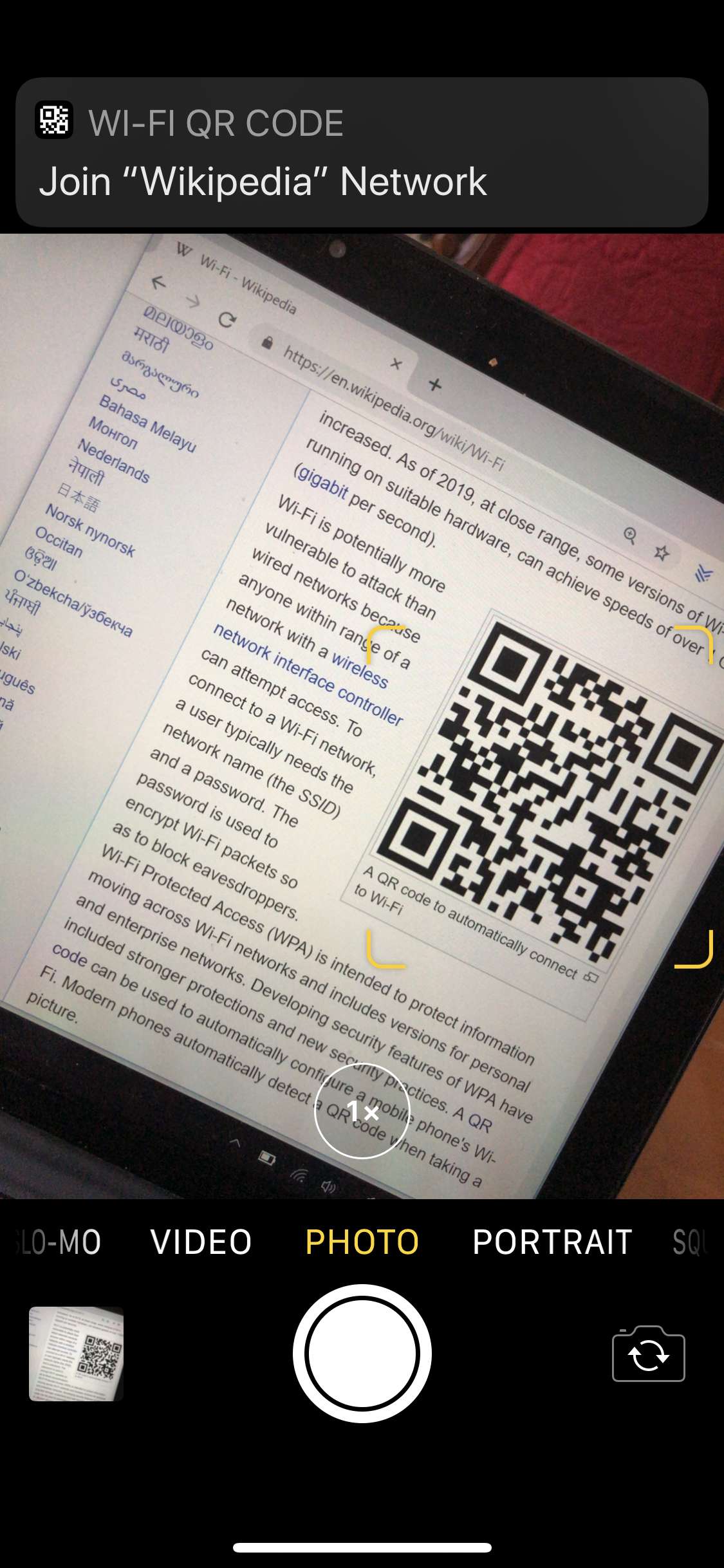
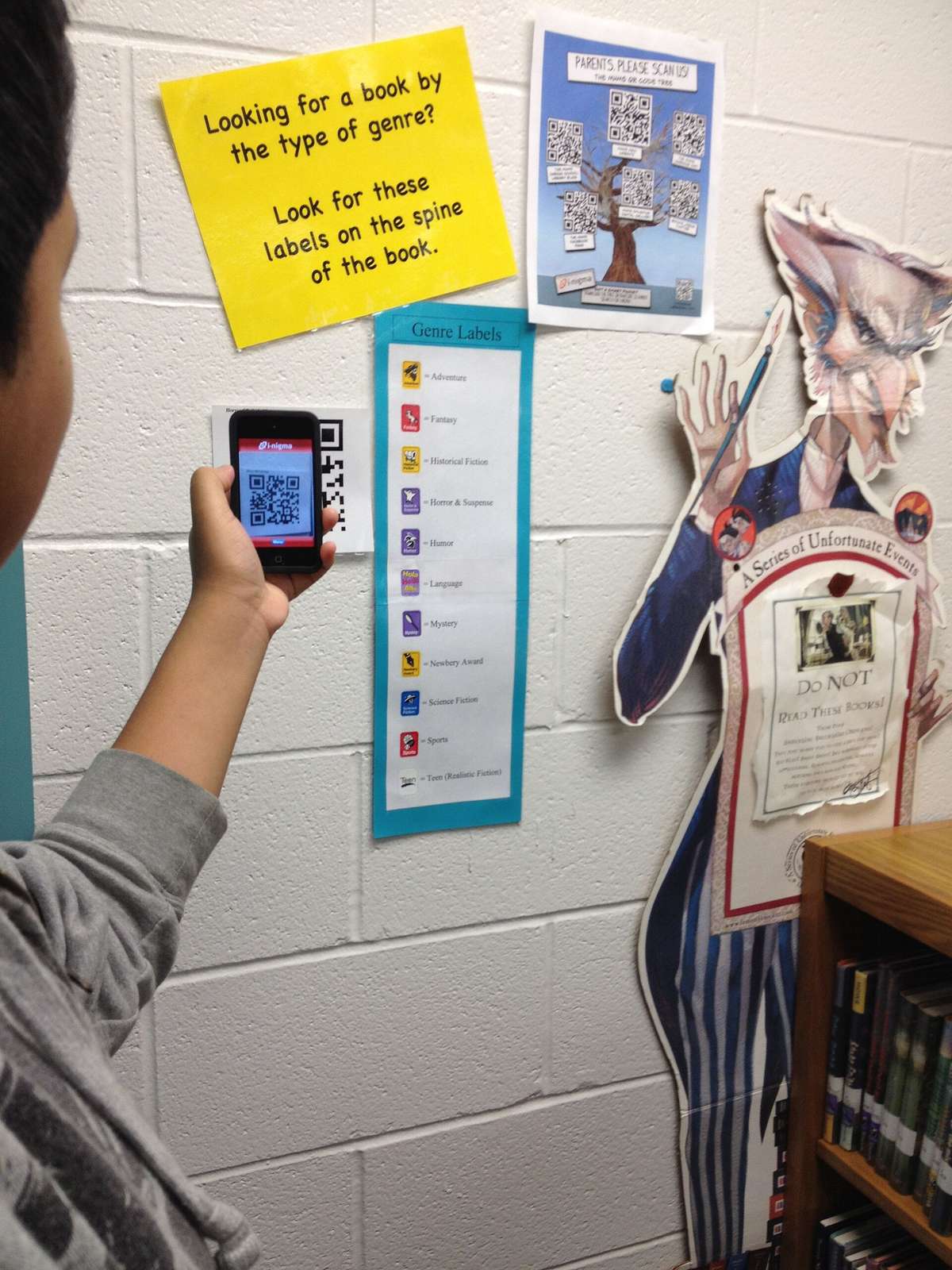
The flow is simple: the advocate gets a QR code tied to their personal referral ID, they share it (printed, texted, posted, or shown on-screen), a friend scans it with a phone camera, and the phone opens the referral landing page with that ID already attached — usually as a parameter in the URL. From there it works exactly like any other referral click: the friend signs up or makes a purchase, the system matches the referral ID to the original advocate, and rewards get issued to one or both sides according to the program’s rules.
The QR code itself doesn’t do anything special — it’s a container for a URL. The tracking, attribution, and reward logic all live in the referral platform behind that link, the same way they would for a shared text link or email invite.
Static vs. Dynamic QR Codes — Which One to Use
Static QR codes encode a fixed URL permanently at creation. They’re free to generate and never expire, but once printed you can’t change the destination or see scan analytics — if the referral link changes, the code is dead and has to be reprinted.
Dynamic QR codes point to a short redirect URL hosted by the QR provider, which then forwards the scanner to the real destination. Because that redirect lives on a server, you can edit where it points after the code is already printed, and — more importantly for referral programs — the provider logs each scan: when it happened, roughly where, and what device was used.
For referral programs, dynamic is almost always the right call. It lets you update a landing page or swap an offer without reprinting materials, and it gives you scan data to sit alongside your referral platform’s own signup and conversion tracking — useful for seeing how many scans an offline source (a flyer, a package insert, an in-store sign) actually generated versus how many converted into tracked referrals.
Most referral platforms that support QR codes generate a dynamic one automatically when they create an advocate’s referral link, so you often don’t need a separate QR tool at all.
Tips / Common Mistakes
Test every code with multiple phones before printing anything in bulk — some older or default camera apps handle QR scanning differently, and a code that works in one testing app may not open cleanly in another.
Give the code context. A bare QR code with no explanation gets ignored; a short line like ‘Scan for $10 off your first order’ tells the friend why it’s worth their camera.
Leave enough quiet space (margin) around the code and keep it reasonably sized — a code that’s too small, too low-contrast, or printed too close to other graphics will fail to scan reliably, especially on receipts or small cards.
Make sure the landing page the code opens is mobile-friendly and loads fast. A scan is a mobile action by definition; sending it to a slow, desktop-oriented page wastes the moment.
Don’t treat the QR code as a separate referral channel from your regular link — route both through the same unique referral ID so rewards and reporting stay unified instead of splitting attribution across two systems.
If you’re running a short-term promo, use a dynamic code so you can redirect or deactivate it once the offer ends, rather than leaving a static code pointing at an expired page.
Explore more: More referral program basics.
QR codes for referral programs FAQs
Do I need special software to create a referral QR code?
Usually not — most referral program platforms generate a dynamic QR code automatically alongside each advocate’s unique referral link. If yours doesn’t, any reputable dynamic QR code generator can wrap your existing referral URL in a scannable code.
Can a QR code track who scanned it?
A dynamic QR code tracks scan events — time, approximate location, and device type — but it doesn’t know who the person is until they take an action on the landing page, like signing up or entering an email. The referral attribution happens through the unique ID in the link, not the scan itself.
Are QR codes better than referral links for in-person sharing?
They’re better for the specific case where someone else needs to open a link on their own phone and there’s no easy way to send text — a flyer, a table tent, a packaging insert, a business card. For digital sharing (text, email, social), a plain referral link is usually simpler since there’s no scanning step involved.
Turn Customers Into Your Growth Engine
Launch a referral program that turns happy customers into your best growth channel — with ReferralEarl. Try ReferralEarl.
Want this in your inbox? Subscribe to the free newsletter.
Photo: FlippyFlink / Public domain, via Wikimedia Commons.