When a customer clicks “cancel,” you have one last chance to find out why — and sometimes to change their mind. A cancellation flow is the sequence of screens, questions, and offers a subscriber sees between clicking cancel and actually leaving. Done well, it saves a meaningful share of at-risk accounts and hands your team real data on why people leave. Done poorly, it feels like a trap and damages the goodwill you spent months building.
This guide walks through how to structure a cancellation flow that balances two goals that are easy to get wrong: making it genuinely easy to cancel, and giving yourself a fair shot at retaining the customer first. You’ll get a step-by-step structure, guidance on retention offers and feedback capture, and the mistakes that turn a save opportunity into a one-star review.

Quick Answer
A churn-reducing cancellation flow asks why the customer is leaving before confirming the cancellation, routes them to a reason-specific offer (a discount, a pause, a plan downgrade, or a fix to their actual problem), and still lets them finish canceling in one or two clicks if they decline. The goal is a genuine save attempt, not an obstacle course.
Build the Flow Step by Step
Start with a short reason survey. When the customer clicks cancel, show a single screen with 4-6 common reasons (too expensive, not using it enough, missing a feature, switching to a competitor, technical issues, just no longer needed) plus an open text field. Keep it to one question — long surveys at this moment get abandoned or rage-clicked through.
Branch the next screen by the reason they picked. “Too expensive” should lead to a discount or a cheaper plan, not a feature pitch. “Not using it enough” is better served by a pause option or a quick tips email than a coupon. “Missing a feature” is a chance to tell them if it’s on the roadmap, or to route them to support if it already exists and they just hadn’t found it. Generic offers shown to everyone regardless of reason tend to convert worse than targeted ones.
Make the retention offer time-limited and specific. A percentage off for a fixed number of billing cycles, a one-tier downgrade, or a pause (common for fitness, media, and box subscriptions) all work better than vague “let’s talk to support” prompts, which just add friction without a clear next step.
Always leave a visible, working path to finish canceling. If the customer declines the offer, the very next screen should confirm the cancellation — not loop them into another offer or require an email or phone call. A flow that hides or disables the cancel button, or demands a support call to finish, creates complaints, chargebacks, and bad reviews that cost more than the subscription was worth.
Send a clear confirmation. State the exact date access ends, whether they’ll be charged again, and how to resubscribe if they change their mind. Ambiguity here is one of the most common sources of billing disputes.
Use the Data You Collect
The cancel reasons you capture are a direct line to your biggest product and pricing problems, but only if someone actually reviews them. Tag each cancellation with the reason selected and review the trends monthly: a spike in “too expensive” after a price increase, or a cluster of “missing a feature” comments pointing at the same gap, tells you where to invest next.
Track flow performance the same way you’d track any funnel: what share of people who start the cancel flow accept an offer versus decline it, and whether “saved” customers actually stick around past the discount period or churn again once it ends. A save that just delays the cancellation by two billing cycles isn’t much of a win — if that pattern shows up, the underlying problem (price, fit, or missing feature) needs a real fix, not another coupon.
Be aware of the legal backdrop. Several U.S. states, including California’s updated auto-renewal law, now require that cancellation be at least as easy as sign-up when the subscription was started online, and this has also been an active area of federal regulatory attention. Regardless of exact legal requirements in your state, building a flow that’s easy to complete protects you from complaints and chargebacks either way.
Tips / Common Mistakes
Don’t bury the cancel button or route people through a phone call to cancel what they signed up for online — it generates far more support tickets and bad reviews than it saves in subscriptions. Don’t show the same generic discount to every canceling customer regardless of their stated reason; relevance is what makes an offer convert. Don’t ask more than one or two questions before letting them proceed — a long survey at the exit door mostly just gets skipped. Don’t let a ‘save’ silently auto-renew at full price without a clear reminder before the discount period ends, since that’s a fast way to trigger a second, angrier cancellation. And don’t treat the flow as ‘set and forget’ — review the reasons and offer acceptance rates on a regular cadence and adjust the offers accordingly.
Explore more: more ways to build customer loyalty.
Subscription Cancellation Flow FAQs
Should every customer see a retention offer when they try to cancel?
Not necessarily the same one. Tailor the offer to the reason they give — a price-sensitive customer responds to a discount, while someone who isn’t using the product responds better to a pause or a tips nudge. Showing an irrelevant offer to everyone tends to perform worse than a short, reason-based branch.
Is it legal to make cancellation harder than sign-up?
It depends on where your customers are. Several states, including California, require cancellation to be at least as easy as signing up when the subscription started online, and this area has drawn ongoing federal regulatory attention as well. Even outside strict legal requirements, a hard-to-cancel flow is a common driver of chargebacks and public complaints, so most subscription businesses design for easy cancellation regardless.
How many questions should a cancellation survey ask?
One, maybe two. A single reason-select question plus an optional comment box captures most of the useful signal without adding enough friction that customers abandon the flow or grow frustrated before they can finish canceling.
Turn Customers Into Your Growth Engine
Launch a referral program that turns happy customers into your best growth channel — with ReferralEarl. Try ReferralEarl.
Want this in your inbox? Subscribe to the free newsletter.
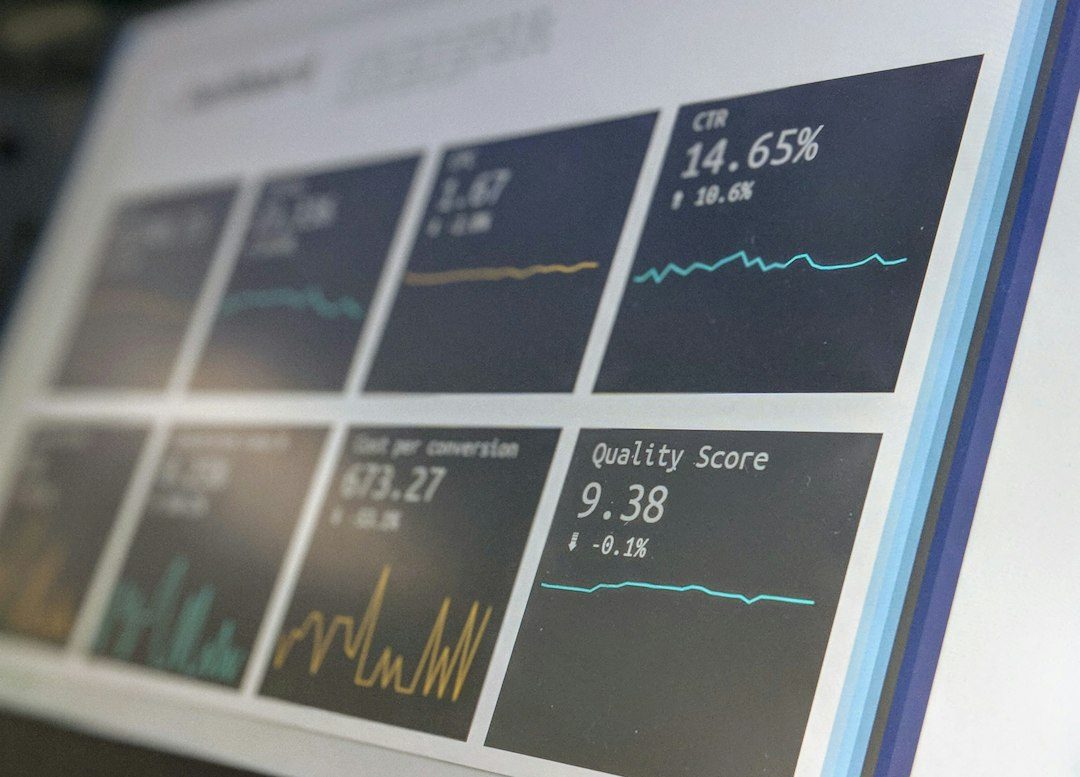
Photo by Luke Chesser on Unsplash.