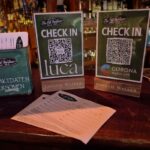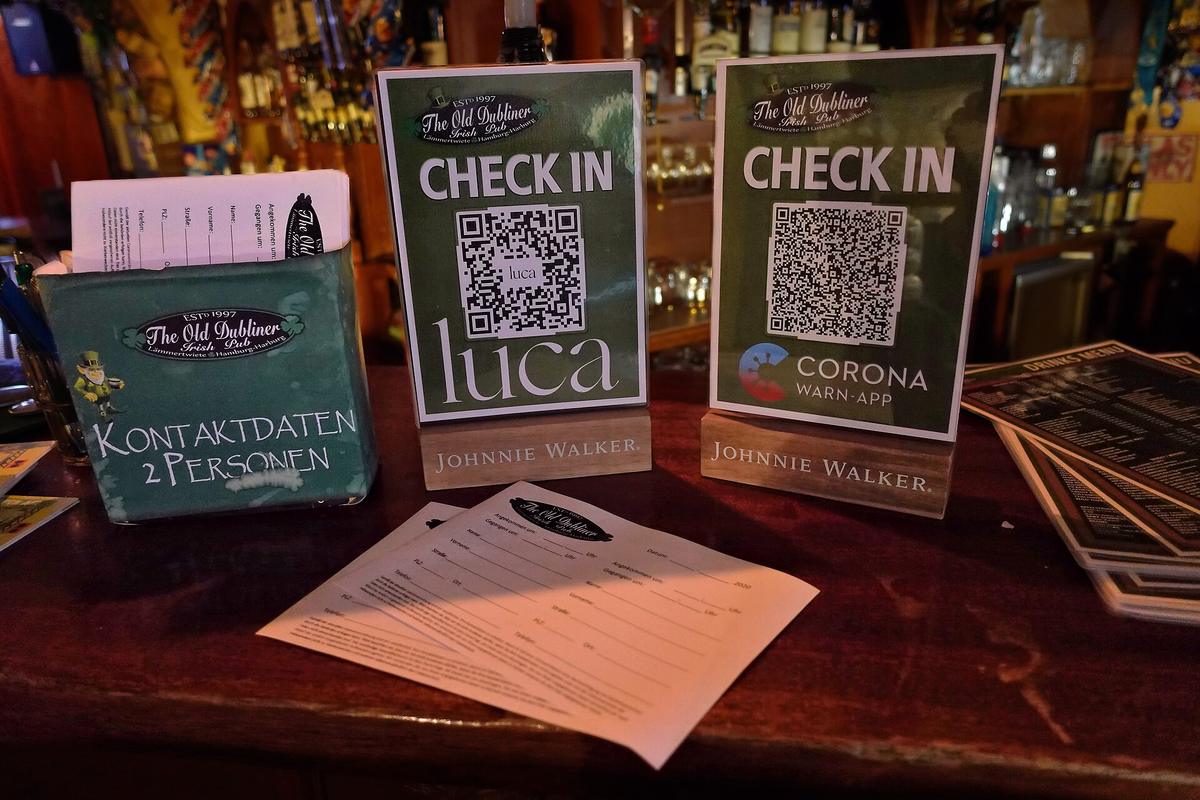
Referral links work great online, but they fall flat the moment a happy customer is standing in your store, at an event, or holding a printed receipt with no easy way to copy a long URL into their phone. QR codes close that gap — a quick scan sends a friend straight to a signup page, a referral link, or a reward redemption screen.
This guide walks through exactly how to set up QR codes for a referral program, where to place them for the best results, and the mistakes that quietly kill scan rates.
Quick Answer
Generate a dynamic QR code that points to your referral program’s unique signup or share link, then place it anywhere a customer might want to refer a friend on the spot — receipts, packaging, in-store signage, event materials, or email signatures. Use a dynamic code (not a static one) so you can edit the destination and see scan analytics without reprinting anything.
How to Set Up a QR Code for Your Referral Program
Start with the link, not the code. Your referral platform (or a simple landing page) should already generate a unique referral link or code per customer, or a general one tied to a shared campaign. The QR code is just a wrapper around that URL — get the destination right first.
Pick a dynamic QR code generator rather than a static one. Tools like Bitly and QR Tiger let you create a QR code whose underlying image never changes, but the link behind it can be edited later and scans are tracked in a dashboard. Be careful with free generators: some, including QR Code Monkey, only produce static codes — the destination URL is baked permanently into the image, so it can’t be edited afterward and no scan statistics are collected. That’s fine for a one-off, never-changing link but a poor fit for anything you plan to print and reuse for a referral program.
Add tracking parameters to the destination URL (UTM tags work fine) before generating the code, so scans show up distinctly from clicks on your website or social links in whatever analytics tool you use. This is the only reliable way to know if the QR code itself is driving referrals.
Test the code yourself on both iOS and Android before printing or publishing anything. Most modern phone cameras scan QR codes natively without a separate app, but a code that’s too small, too low-contrast, or placed too close to curved packaging can fail to scan reliably — test at the actual size and material it’ll be printed on.
Add a short, specific call to action next to the code. “Scan to refer a friend and get $10 off” converts far better than a bare code with no explanation of what happens after scanning.
Where to Place Referral QR Codes
Printed receipts and packaging inserts are among the highest-converting spots because the customer is already holding your product or has just completed a purchase — the ask lands at a natural moment of goodwill.
In-store signage near the register or on countertop stands works well for brick-and-mortar businesses, letting staff point to it during checkout instead of asking customers to remember a link later.
Email and order-confirmation footers can include a small QR code alongside the usual text link — some customers on mobile will scan with a second device or a tablet faster than they’ll tap a link.
Event materials, business cards, and table tents are useful for in-person referral pushes at trade shows, pop-ups, or local events where there’s no register or receipt to attach the code to.
Thank-you and post-purchase pages can show a QR code as an alternative to the share buttons already on the page — useful when a customer wants to show a friend in person rather than send a digital link.
Tips and Common Mistakes
Don’t use a static QR code for anything printed. If your referral program URL structure ever changes, every flyer, sign, or packaging run with a static code becomes unusable and has to be reprinted — a dynamic code lets you fix the link remotely.
Leave enough contrast and size. A QR code needs a clear quiet zone (margin) around it and solid contrast between the code and its background; codes printed too small or over busy images frequently fail to scan.
Always pair the code with a written fallback — the destination URL in small text below the code — so customers without a working camera scanner, or who prefer not to scan, can still type the link in manually.
Check your analytics regularly rather than assuming the code is working. A code with zero scans after weeks in a high-traffic spot usually means a placement, sizing, or print-quality problem worth fixing before reprinting more materials.
Avoid stacking too many QR codes in one spot (one for referrals, one for reviews, one for a menu, one for social media) — customers scan the one closest to a clear reason, so a single well-labeled referral code outperforms a wall of ambiguous codes.
Explore more: More referral marketing strategies.
QR codes in referral programs FAQs
Do I need a paid tool to create a QR code for my referral program?
No. Several QR code generators offer free dynamic codes with basic scan tracking, which is enough for most small referral programs. Paid plans typically add more codes, custom branding, and deeper analytics.
What’s the difference between a static and dynamic QR code?
A static QR code has the destination URL permanently encoded in the image, so it can never be changed or tracked in detail. A dynamic QR code points to a short redirect link you control, so you can update the destination and see scan counts after the code is already printed.
Can a QR code track which customer referred a friend?
Yes, if the QR code links to a unique referral URL generated for that specific customer rather than one shared code for everyone. Most referral software can generate a unique link (and matching QR code) per customer automatically.
Turn Customers Into Your Growth Engine
Launch a referral program that turns happy customers into your best growth channel — with ReferralEarl. Try ReferralEarl.
Want this in your inbox? Subscribe to the free newsletter.
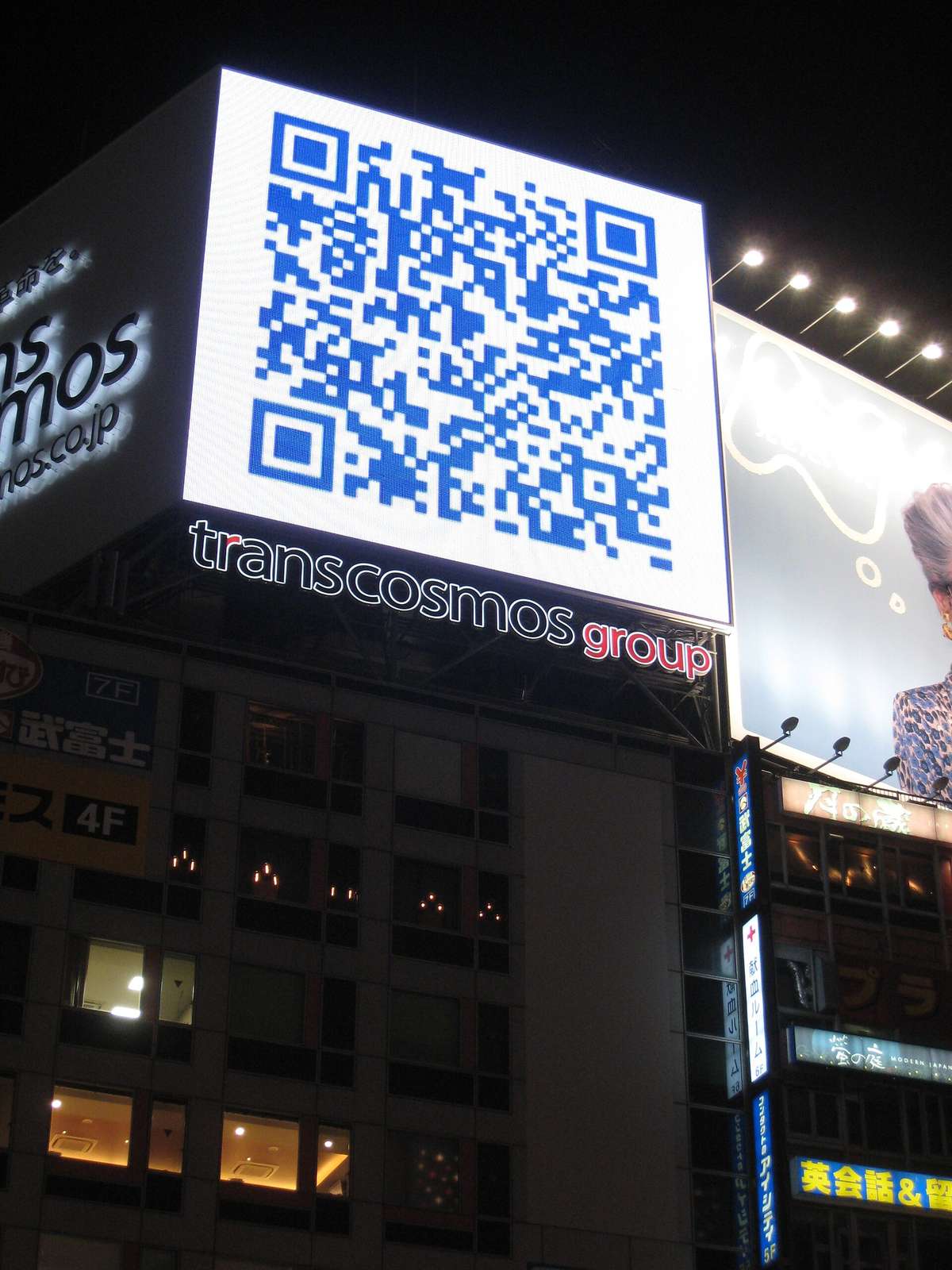
Photo: Hinnerk Rümenapf (Hinnerk R), https://hinnerk.ruemenapf.de / CC BY-SA 4.0, via Wikimedia Commons.