
A customer who loves your product can still disappear overnight because their card expired, their bank flagged a renewal charge, or they hit their credit limit. That’s involuntary churn: subscribers who didn’t choose to leave, but lost access anyway because a payment quietly failed in the background.
This guide walks through the practical fixes — smarter retry timing, dunning emails that actually get opened, card updater services, and support workflows — that recover a meaningful share of these failed charges before they turn into cancellations.

Quick Answer
Reduce involuntary churn by combining three things: automatic payment retries spaced out over one to two weeks (not back-to-back attempts), a short sequence of dunning emails and in-app alerts that tell the customer exactly what to fix, and a card updater service (like Visa Account Updater or Mastercard’s Automatic Billing Updater) that refreshes expired or reissued card numbers automatically before you ever charge them.
Why Payments Fail in the First Place
Most recurring-billing failures fall into two buckets. ‘Soft declines’ are temporary — insufficient funds, a bank’s fraud filter flagging a routine charge, a network timeout — and a well-timed retry often succeeds. ‘Hard declines’ are permanent for that card — it was reported lost or stolen, closed, or the issuer is blocking it outright — and no amount of retrying will fix them; you need a new payment method from the customer.
Expired cards are their own category and arguably the easiest to prevent, since you usually know the expiration date before it becomes a problem. Treating all three the same way — retry-and-hope — is why so many businesses leave recoverable revenue on the table.
If you process payments through Stripe, PayPal, Braintree, or a similar processor, check your dashboard for the specific decline code returned on each failure. That code tells you whether a retry is even worth attempting, and most dunning tools use it to decide the next step automatically.
Build a Retry and Dunning Sequence That Works
Space retries out instead of hammering the card. Stripe’s own Smart Retries feature, for example, uses a machine-learning model to pick retry timing per card and defaults to up to 8 attempts spread across a 2-week window (configurable from 1 week to 2 months) — a sensible template even if you’re building your own logic or using another processor: a few spaced attempts over one to two weeks beats five attempts in five days, which mostly just annoys the customer’s bank fraud filters further.
Pair every retry with a direct, low-friction email: tell the customer the charge failed, say why if you know (card expired, insufficient funds), and link straight to an update-payment-method page — not your general account settings. The fewer clicks between the email and a fixed card, the higher your recovery rate.
Add a second channel. An in-app banner or push notification catches people who ignore billing emails, and a short SMS for higher-value accounts tends to get noticed fast. Stop just short of being annoying — three to four touches over the retry window is usually enough.
Decide what happens if every retry fails. Common options are canceling the subscription, downgrading to a limited/read-only state, or pausing rather than canceling outright. Pausing (instead of hard-canceling) gives the customer a path back without having to resubscribe from scratch, which tends to preserve more relationships long-term.
Prevent Failures Before They Happen
Enroll in a card network updater service if your payment processor supports it. Visa Account Updater (VAU) and Mastercard’s Automatic Billing Updater (ABU) sit between you and the card networks: when a cardholder’s bank reissues a card — because it expired, was reported stolen, or was upgraded — the new number and expiration date get pushed to your stored payment record automatically, often before the old card would have failed at all. Most major processors (Stripe, Braintree, Authorize.net, and others) offer this as a toggle rather than something you build yourself.
Send a heads-up before a card is due to expire. If you can see the expiration date on file, a simple ‘your card on file expires this month — update it here’ email a few weeks ahead of renewal catches a chunk of failures before they’re even billing events.
Use your processor’s network tokenization if it’s available. Tokenized cards (where the processor stores a token tied to the card rather than the raw number) are more likely to stay valid across reissues and tend to see fewer declines tied to routine card replacement.
Tips / Common Mistakes
Don’t retry hard-declined cards repeatedly — it wastes attempts, can trigger additional fraud scrutiny from the issuing bank, and won’t succeed without a new payment method regardless of timing.
Don’t bury the fix behind a login wall. If a customer has to remember a password to update a card, you’ll lose a chunk of people who would have fixed it on the spot from a one-click email link.
Don’t treat dunning emails like spam. Plain, human language (‘your last payment didn’t go through — here’s how to fix it in 30 seconds’) consistently outperforms alarmist subject lines or heavy branding.
Don’t ignore the data. Track recovery rate by failure reason and by retry attempt number — it usually reveals that one or two tweaks (an earlier first email, a different retry window) move the needle more than anything else.
Don’t forget mobile app subscribers. If part of your base pays through the Apple App Store or Google Play, those failed-payment and retry flows are controlled by Apple/Google, not your own dunning system — budget separate attention for that segment.
Explore more: more ways to keep customers coming back.
Reducing involuntary churn from failed payments FAQs
What’s the difference between involuntary and voluntary churn?
Voluntary churn is a customer actively canceling. Involuntary churn is losing a customer because a payment failed — an expired card, a declined charge, insufficient funds — even though the customer never asked to leave.
How many times should I retry a failed payment?
There’s no universal number, but spacing a handful of attempts (commonly 3-8) across one to two weeks, rather than daily, tends to perform better since it gives time for the specific issue (low balance, bank hold) to resolve.
Will a card updater service work for every customer?
No. Card updater services like Visa Account Updater and Mastercard’s Automatic Billing Updater only cover cards issued by participating banks and networks, so some failures will still require the customer to manually enter new card details.
Should I cancel a subscription immediately after a payment fails?
Generally no. Most teams see better recovery and retention by giving the account a grace period — continuing limited access or a past-due state through the retry window — rather than canceling on the first failed attempt.
Turn Customers Into Your Growth Engine
Launch a referral program that turns happy customers into your best growth channel — with ReferralEarl. Try ReferralEarl.
Want this in your inbox? Subscribe to the free newsletter.
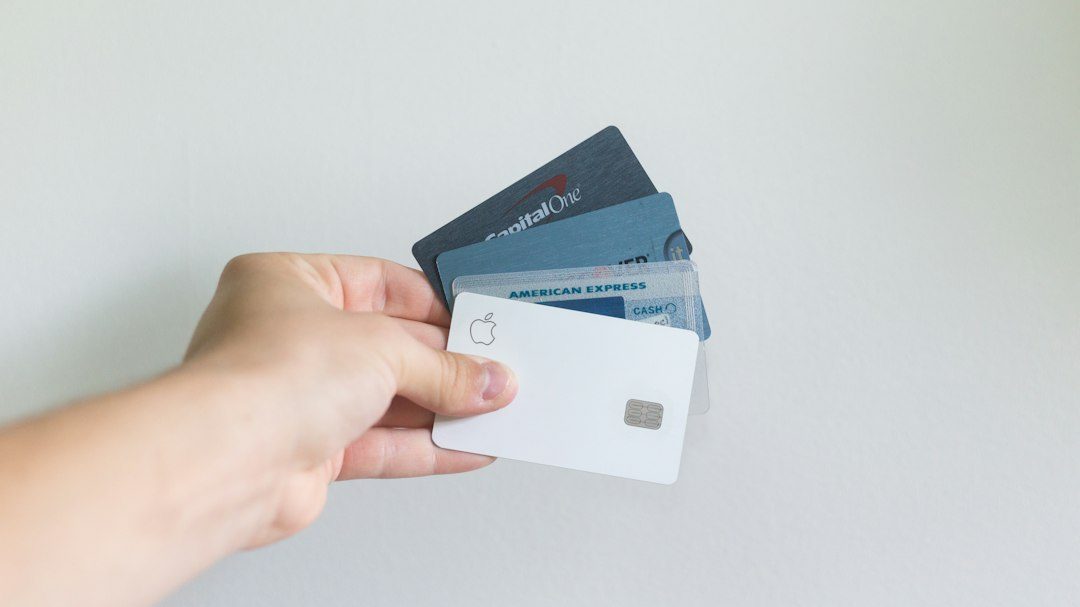
Photo by rupixen on Unsplash.