Open any analytics dashboard and you’ll see visitors sorted into channels like Organic Search, Paid, Social, Referral, and Direct. Two of these categories get mixed up constantly: referral traffic and direct traffic. They sound similar, but they mean almost opposite things, and mixing them up can lead you to underrate the sites and partners actually sending you visitors.
This guide breaks down exactly how each is defined, why your “Direct” number is probably bigger than it should be, and what you can do to see a more accurate picture of where your traffic really comes from.
Quick Answer
Referral traffic is visits that arrive via a link on another website, tracked because the visitor’s browser sends an HTTP referrer header identifying the site they came from. Direct traffic is everything where no referrer or campaign information is detected at all — typed URLs, bookmarks, and, in practice, a lot of untrackable clicks that just look like they came from nowhere.
How Each One Is Actually Tracked
When someone clicks a link on another site to reach yours, their browser typically passes an HTTP referrer (sometimes called ‘referer’) to your server, and your analytics tool logs the referring domain. If that domain isn’t already recognized as a search engine, a social platform, or a shopping site, most tools — including Google Analytics 4 — bucket it into the generic ‘Referral’ channel. That’s why referral reports often include a mix of blog backlinks, forum mentions, partner sites, news articles, and untagged affiliate links all in one list.
Direct traffic is the fallback category: it’s what your analytics tool reports when there’s no referrer and no campaign tagging (like UTM parameters) attached to the visit. The classic example is someone typing your domain into the address bar or opening a bookmark. But direct also catches every visit where the referrer got lost along the way, which happens far more often than most site owners assume.
Why ‘Direct’ Traffic Is Usually Inflated
A meaningful chunk of what shows up as direct traffic isn’t really direct at all — it’s referral traffic that lost its paper trail. This gets called ‘dark traffic’ or ‘dark social,’ and it has a few common causes. Links shared inside messaging apps, private social DMs, Slack, or email clients frequently strip the referrer before the click ever reaches your site. Mobile apps with in-app browsers often behave the same way. Clicking a link from a secure (HTTPS) page to an insecure (HTTP) page can also wipe out referrer data during the handoff.
AI chat tools add a newer wrinkle: when someone follows a link cited by a chatbot like ChatGPT, Perplexity, or Gemini, the referrer is often dropped or handled inconsistently, so that visit can land in Direct instead of being credited to the AI platform that actually sent it. If your direct traffic has been climbing while your other channels look flat, this kind of unattributed referral activity is one of the first things worth investigating.
Two more everyday culprits: missing or malformed UTM tags on links you share yourself, and self-referrals, where your own domain shows up as a ‘referral’ source because a payment processor, subdomain, or third-party checkout redirected the visitor back without preserving the original session data.

Tips for Cleaner Reporting
Tag every outbound link you control — email campaigns, social posts, PR outreach, partner placements — with UTM parameters so those clicks are correctly credited instead of falling into Direct. Set up referral exclusion lists for your own domains and any payment or booking providers you use, so legitimate sessions don’t get miscounted as new referral visits. Serve your whole site over HTTPS consistently to avoid referrer data getting stripped during secure-to-insecure jumps. Periodically scan your raw referral report (not just the summary) for AI platforms, niche communities, or partner sites that deserve more attention than their small numbers suggest — a spike in referrals from a single new source is often worth a closer look. And when direct traffic jumps suddenly, check recent link-sharing activity (a viral social post, a newsletter blast, a mention in a messaging app) before assuming it’s organic brand recognition.
Explore more: More referral traffic basics.
Referral traffic vs direct traffic FAQs
Is direct traffic always a bad sign?
No. Some direct traffic is genuine — loyal visitors who bookmark your site or type your URL from memory. The issue is that direct is a catch-all, so a rising number doesn’t automatically mean brand loyalty is growing; it may just mean more visits are losing their referrer along the way.
Why does my own website show up as a referral source?
This is called self-referral, and it usually happens when a visitor moves between subdomains, through a payment gateway, or across a checkout flow that doesn’t preserve session data. Adding those domains to your analytics tool’s referral exclusion list fixes it.
Can I convert direct traffic back into referral traffic?
Not retroactively, but you can reduce future misattribution by tagging your own links with UTM parameters, keeping your site fully on HTTPS, and setting up referral exclusions, so fewer future visits fall into the direct bucket by default.
Does referral traffic include search engines and social media?
No. Search engines and recognized social platforms get their own dedicated channels (Organic Search, Organic Social, Paid Search, and so on). The Referral channel is specifically for links from other websites that don’t match those recognized categories.
Turn Customers Into Your Growth Engine
Launch a referral program that turns happy customers into your best growth channel — with ReferralEarl. Try ReferralEarl.
Want this in your inbox? Subscribe to the free newsletter.
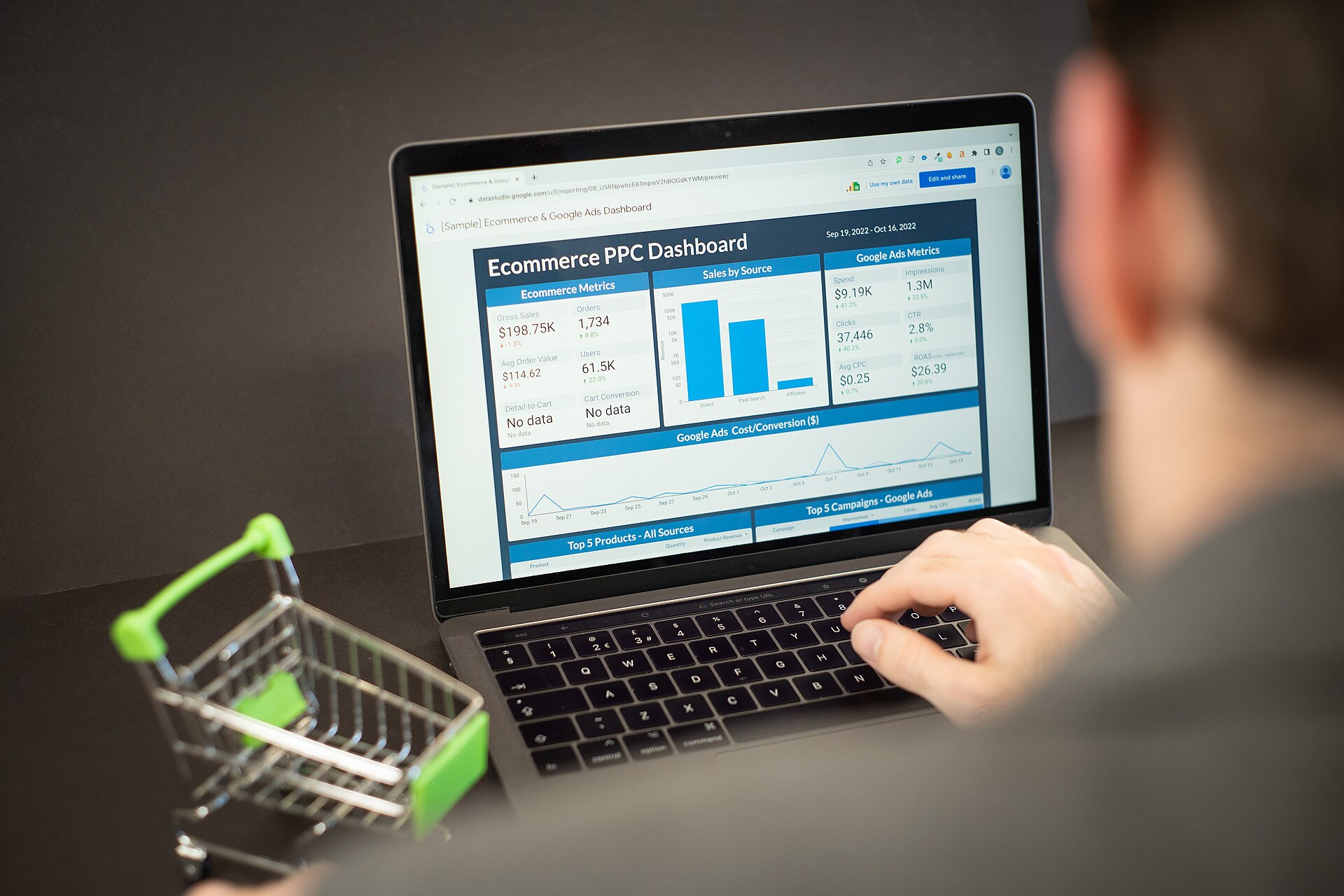
Photo: Zuko.io Images / CC BY 2.0, via Wikimedia Commons.












2 thoughts on “Referral Traffic vs. Direct Traffic: What’s the Difference?”
Comments are closed.