Your pricing page gets some of the highest-intent traffic on your whole site, which makes it one of the best places to run a controlled experiment. A small change to how a plan is framed, labeled, or laid out can measurably change how many visitors click “buy” or “start trial” — but only if you test it properly instead of just eyeballing before-and-after numbers.
This guide walks through a simple, honest way to A/B test a pricing page: what to change, how to split traffic, how long to run it, and the mistakes that quietly invalidate most small-business tests before they even start.
Quick Answer
To A/B test a pricing page, pick one variable to change (like plan framing, a default selected tier, or the order of plans), split your traffic evenly between the original and the variant using an A/B testing tool, and let the test run until you have enough visitors and conversions to trust the result — not just until one version “looks” ahead.
Step-by-Step: Setting Up the Test
Start with one clear hypothesis, not a redesign. Good pricing-page tests isolate a single variable: highlighting a specific plan as “most popular,” changing monthly vs. annual as the default toggle, reordering plans from cheapest-to-priciest or vice versa, rewording a feature list, or changing the call-to-action button text. If you change five things at once, you’ll never know which one moved the needle.
Define your primary metric before you launch, not after. For most pricing pages that’s checkout starts, free-trial signups, or completed purchases — pick the one action that actually matters to revenue, and decide on it in writing before you look at any data.
Use a dedicated testing tool rather than manually swapping pages. Google Optimize (Google’s free A/B testing tool) was shut down in September 2023, so it’s no longer an option. Current choices include paid platforms like VWO and Optimizely, and developer-oriented tools like GrowthBook and PostHog, which offer free or self-hosted tiers and are a reasonable fit for a small team that already has some engineering resources. These tools handle the traffic split and prevent visitors from seeing a different version every time they reload the page.
Split traffic 50/50 (or close to it) and run both versions at the same time. Never run version A one week and version B the next — traffic quality, seasonality, promotions, and even day-of-week patterns change constantly, and a sequential “before and after” comparison will mislead you.
Let the test run long enough to cover a full business cycle — typically at least one to two full weeks, including weekends, so you’re not misled by a single unusual day. Most testing tools will show you when a result reaches statistical significance; don’t call the test early just because one version is briefly ahead.
What’s Actually Worth Testing on a Pricing Page
Plan framing tends to move numbers more than visual polish. Testing which plan is marked as recommended, whether you show a per-seat price or a flat price, and how discounts for annual billing are presented usually has more impact than font or color changes.
Simplifying the number of visible plans is a common winner. If your page shows four or five tiers, a simplified three-tier version is worth testing — too many choices can stall buyers rather than helping them compare.
Social proof near the price (a short testimonial, logos of known customers, or a money-back guarantee) is a frequent test candidate because it addresses hesitation right at the decision point, rather than earlier on the page where it’s easy to skip past.
Be cautious with anything that affects price perception for existing customers — if logged-in users can land in either test group, you risk showing different prices to people who already have an account, which creates confusion and support tickets rather than useful data.

Tips / Common Mistakes
Don’t stop the test the moment one version pulls ahead. Early leads reverse often; wait for the tool’s significance indicator and your planned minimum run time, not a gut feeling.
Don’t test on low-traffic pages without adjusting expectations. If your pricing page gets only a trickle of visitors a day, a meaningful test may take several weeks — in that case, consider testing a bigger, more obvious change (like plan order) rather than a subtle one, since small changes need more traffic to detect reliably.
Watch for the novelty effect. Returning visitors sometimes react to a pricing page simply because it’s different from what they remember, not because the new version is actually better — this fades over time, which is another reason not to judge results after just a day or two.
Keep everything else on the page constant while the test runs. Don’t launch a new ad campaign, change your email pricing, or tweak copy elsewhere on the site mid-test — any of those can contaminate your results.
Document what you tested and what happened, win or lose. A test that shows no difference is still useful information, and it stops you from re-testing the same idea six months later.
Explore more: More growth strategies for small businesses.
A/B testing a pricing page FAQs
How long should a pricing page A/B test run?
Plan for at least one to two full weeks so the test covers different days of the week, and keep running it until your testing tool reports statistical significance rather than stopping at a fixed date if the result isn’t yet clear.
What’s the minimum traffic needed to A/B test a pricing page?
There’s no universal number — it depends on your current conversion rate and how big a difference you’re trying to detect. If your pricing page gets very little traffic, test bigger, more obvious changes, since subtle tweaks need more visitors to produce a reliable result.
Is Google Optimize still available for A/B testing?
No. Google shut down Google Optimize in September 2023. Alternatives include VWO, Optimizely, GrowthBook, and PostHog, several of which offer free or low-cost tiers for smaller sites.
Can I A/B test pricing page changes without a dedicated tool?
It’s possible with manual traffic splitting, but a dedicated A/B testing tool is strongly recommended — it randomizes visitors consistently, runs both versions simultaneously, and calculates statistical significance for you, all of which are easy to get wrong by hand.
Turn Customers Into Your Growth Engine
Launch a referral program that turns happy customers into your best growth channel — with ReferralEarl. Try ReferralEarl.
Want this in your inbox? Subscribe to the free newsletter.
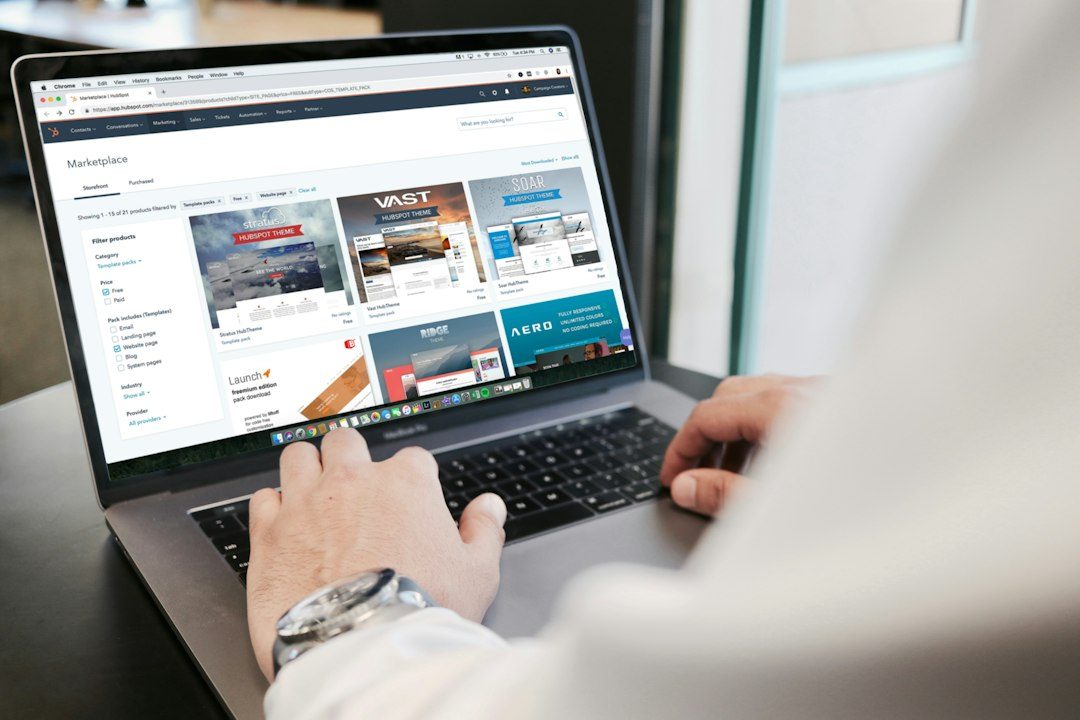
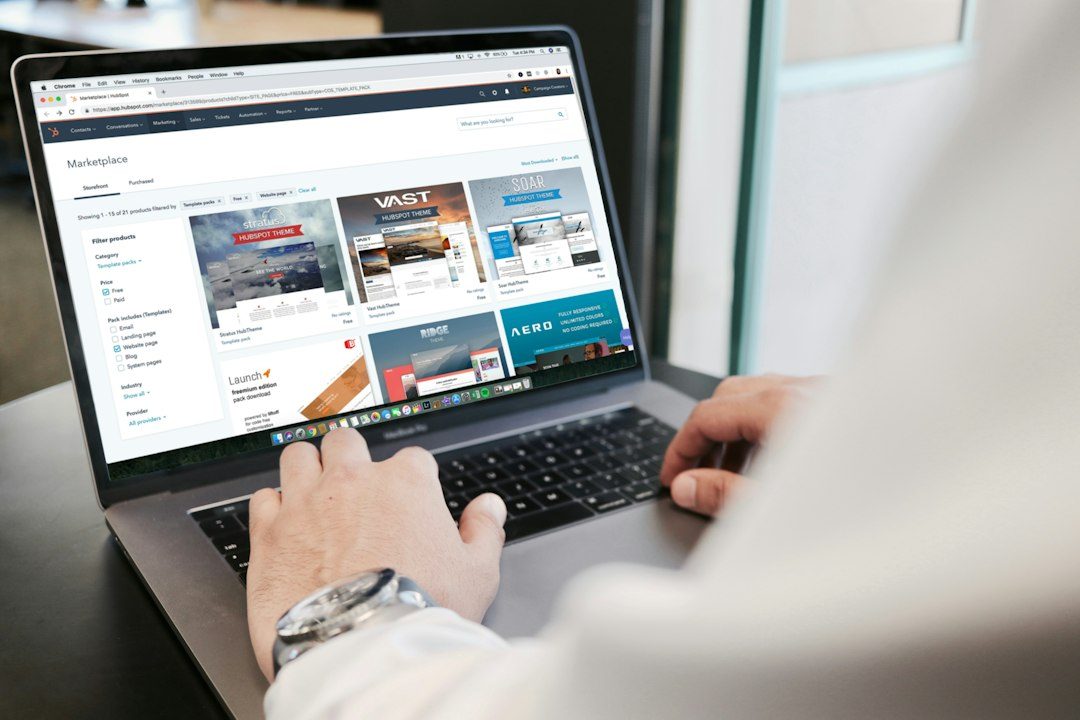
Photo by Campaign Creators on Unsplash.